

Quick Answer
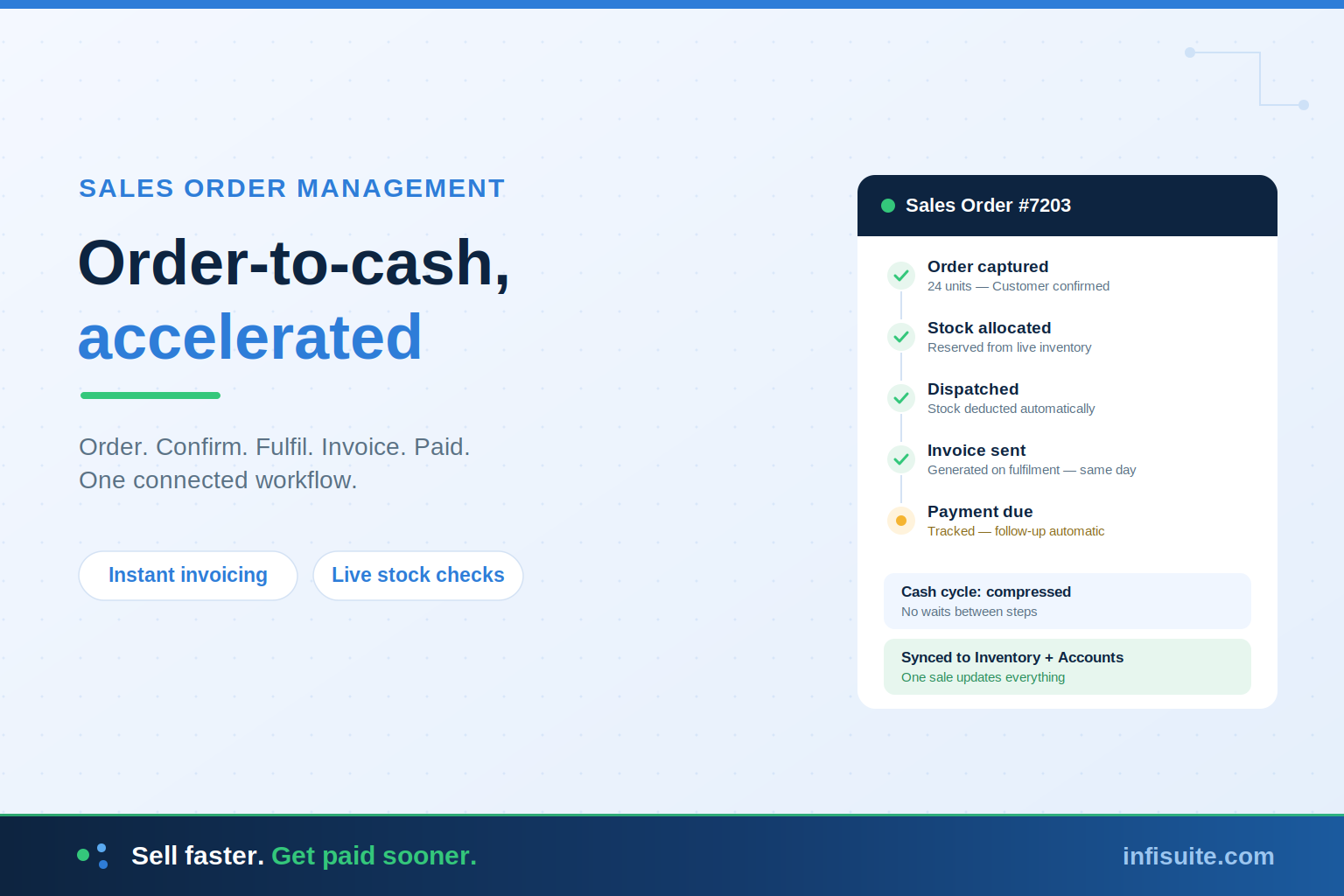
Sales order management software accelerates order-to-cash by connecting every step — order capture, confirmation, stock allocation, fulfilment, invoicing, and payment collection — into one automated workflow. Each handoff that used to wait for manual work happens instantly: a confirmed order allocates stock, fulfilment triggers the invoice, and payment updates the books. The result is faster fulfilment, fewer errors, quicker invoicing, and cash arriving sooner. The biggest gains come when sales orders share one platform with inventory and accounts — so nothing is re-entered and nothing waits.
Key Takeaways
- Order-to-cash is how sales become money in the bank. Every delay in the cycle delays your cash.
- Manual order handling slows every handoff — re-entered orders, late invoices, and chased payments.
- Sales order software automates the 6 steps from order capture to payment collection.
- Order-to-cash mirrors purchase-to-pay. One brings money in; the other sends it out — both need the same discipline.
- Connection beats standalone. Sales linked to inventory and accounts means instant stock checks and same-day invoicing.
Every sale feels like a win. But a sale isn’t really complete until the cash arrives in your account — and for many growing businesses, that journey takes far longer than it should.
The order sits in an inbox before anyone processes it. Stock has to be checked manually. The invoice goes out days after delivery. Then someone has to chase the payment. Each delay is small — but together, they stretch the gap between “we made a sale” and “we got paid.”
So how does sales order management software accelerate order-to-cash? By connecting every step — from order capture to payment — into one automated workflow, so nothing waits on manual work. This guide walks through exactly how that happens.
What Is Order-to-Cash?
Order-to-cash (often written O2C) is the full business cycle from the moment a customer places an order to the moment their payment is received and recorded.
As Salesforce’s guide to order-to-cash explains, the process is highly interdependent — even small inefficiencies in one step snowball into costly problems elsewhere, affecting customer experience, inventory, and cash flow.
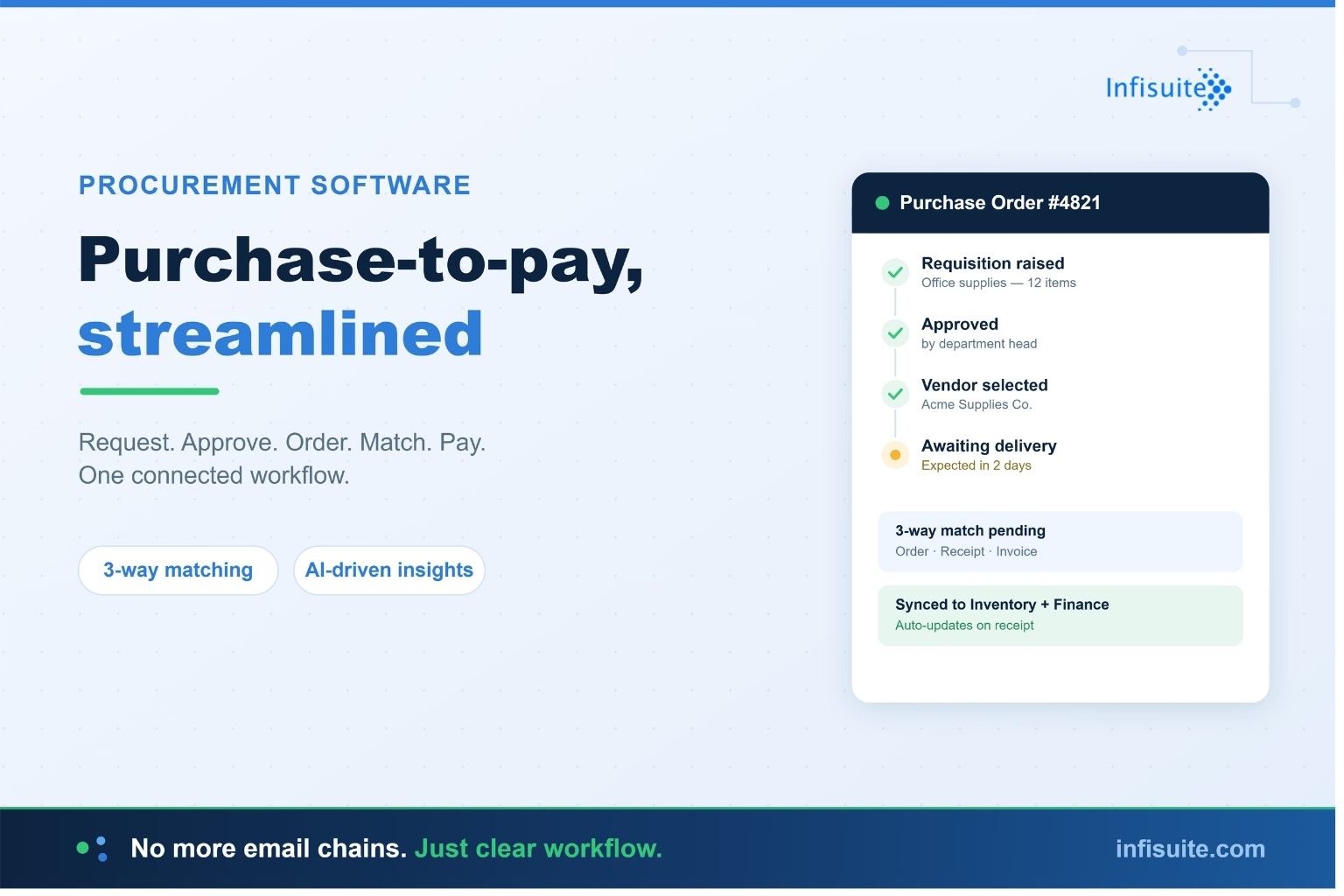
If order-to-cash sounds familiar, it should: it’s the mirror image of the purchase-to-pay cycle we covered in our guide on how procurement software streamlines purchase-to-pay. Purchase-to-pay governs money going out. Order-to-cash governs money coming in. Both need the same thing: a connected, traceable workflow.
The Order-to-Cash Cycle, Step by Step
1. Order Capture
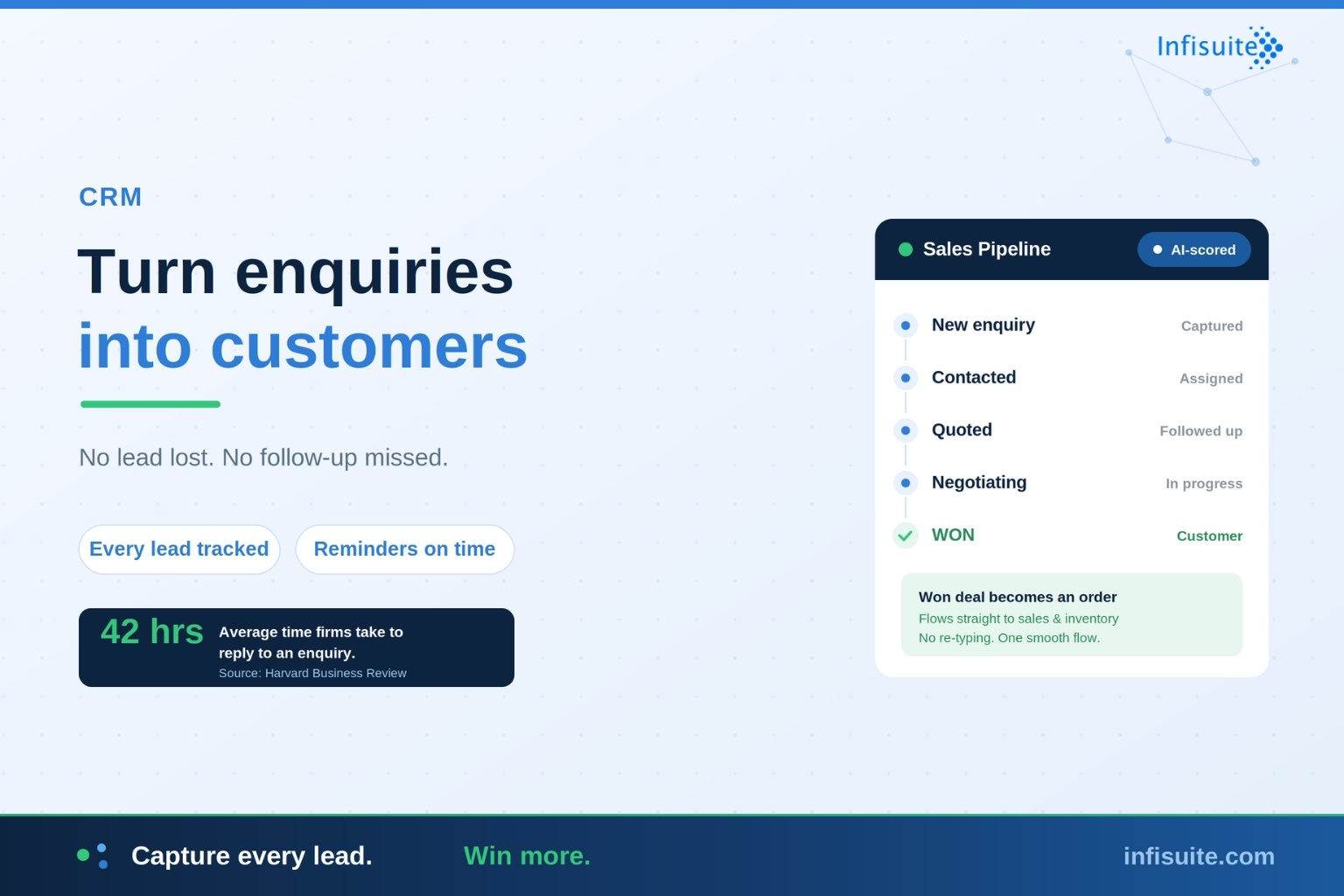
A customer places an order — through a sales rep, a phone call, email, or an online channel. Sales order software records it once, in a standard format, with all the details fulfilment will need. No re-typing from emails. No missing information discovered later.
2. Order Confirmation
The order is validated: pricing checked against agreed rates, customer details verified, and — where relevant — credit terms confirmed. The customer gets a confirmation they can trust, because it’s based on real data, not a guess.
3. Stock Allocation
The system checks inventory in real time and reserves stock for the order. This is where connection matters most: if sales and inventory share one platform, you never confirm an order you can’t fulfil — and never miss a sale because stock data was stale.
4. Fulfilment and Dispatch
The order moves to picking, packing, and dispatch with all details already in the system. Stock is deducted automatically on dispatch, and the customer can be updated with delivery status — without anyone sending manual updates between teams.
5. Invoicing
The invoice is generated directly from the order and dispatch data — same details, no re-entry, no mismatch. Because it’s automatic, it goes out immediately on fulfilment rather than days later. Faster invoices mean faster payments.
6. Payment Collection
Payments are tracked against invoices, with outstanding amounts visible at a glance. Overdue invoices are flagged automatically, so follow-ups happen on time — not when someone finally notices. Once paid, the books update instantly.
Where Manual Order Management Loses You Money
Most growing businesses don’t realise how much cash their manual order process is holding hostage. The losses hide in the gaps between steps:
- Orders wait in inboxes. An order that sits unprocessed for a day adds a day to your entire cash cycle.
- Re-entry creates errors. Every manual transfer — email to spreadsheet, spreadsheet to invoice — risks wrong quantities, prices, or addresses. Errors mean disputes, and disputes delay payment.
- Stock surprises break promises. Confirming orders against stale stock data leads to backorders, cancellations, and disappointed customers.
- Invoices go out late. When invoicing is a separate manual task, it happens when someone has time — often days after delivery. Late invoice, late payment.
- Follow-ups slip. Without automatic tracking, overdue invoices get chased inconsistently — and cash sits in your customers’ accounts instead of yours.
These are the same disconnection problems we’ve explored across our guides on fragmented systems and data silos — showing up in the one place a business can least afford them: the path between a sale and its cash.
Manual vs Connected Order-to-Cash
| Stage | Manual Process | Connected Platform |
|---|---|---|
| Order capture | Re-typed from emails and calls | Recorded once, complete, standard |
| Stock check | Manual, often out of date | Real-time, reserved automatically |
| Invoicing | Days after delivery | Instant, from order data |
| Payment follow-up | When someone remembers | Flagged automatically on due date |
| Cash cycle | Stretched by every delay | Compressed at every step |
Why Connection Is the Real Accelerator
A standalone order management tool helps — but it hits the same wall as standalone inventory or procurement tools: it becomes another island of data.
As Microsoft’s guidance on the order-to-cash process notes, order-to-cash directly impacts customer experience, inventory management, and cash flow — which is exactly why it can’t live in isolation from those systems.
In a connected platform, the acceleration is structural:
- Sales + Inventory: orders are confirmed against live stock and reserved instantly — no overselling, no stale data.
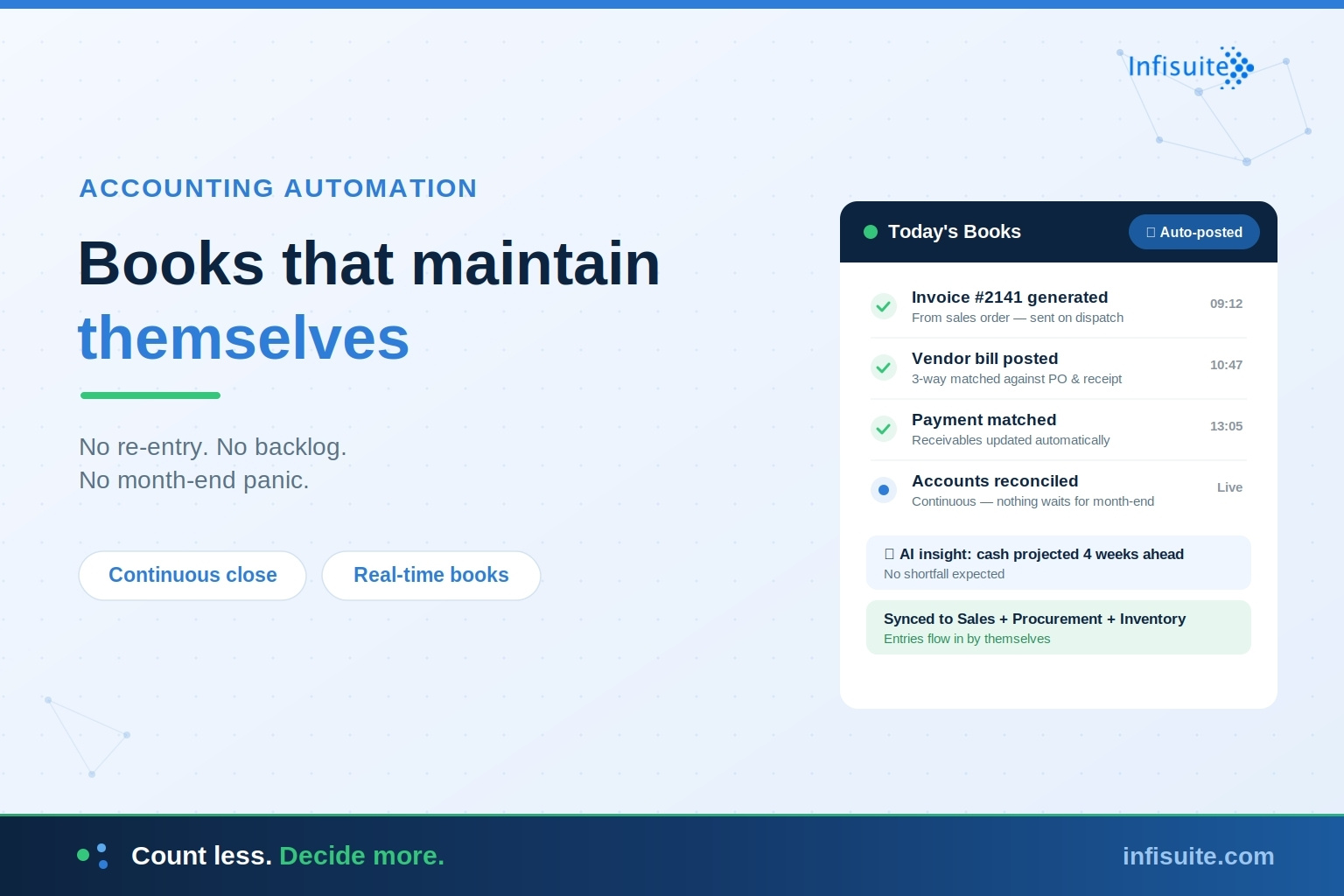
- Sales + Accounts: invoices generate from order data the moment fulfilment completes — and payments update the books automatically.
- Sales + Procurement: demand flows into purchasing, so stock is replenished before the next order needs it.
This is exactly how Infisuite’s Sales module works — natively connected to Inventory and Accounts, so a confirmed order flows to fulfilment, invoice, and payment without a single re-entry. One sale updates everything.
How AI Makes Order-to-Cash Even Faster
Automation removes the manual delays. AI goes further — it makes the cycle smarter:
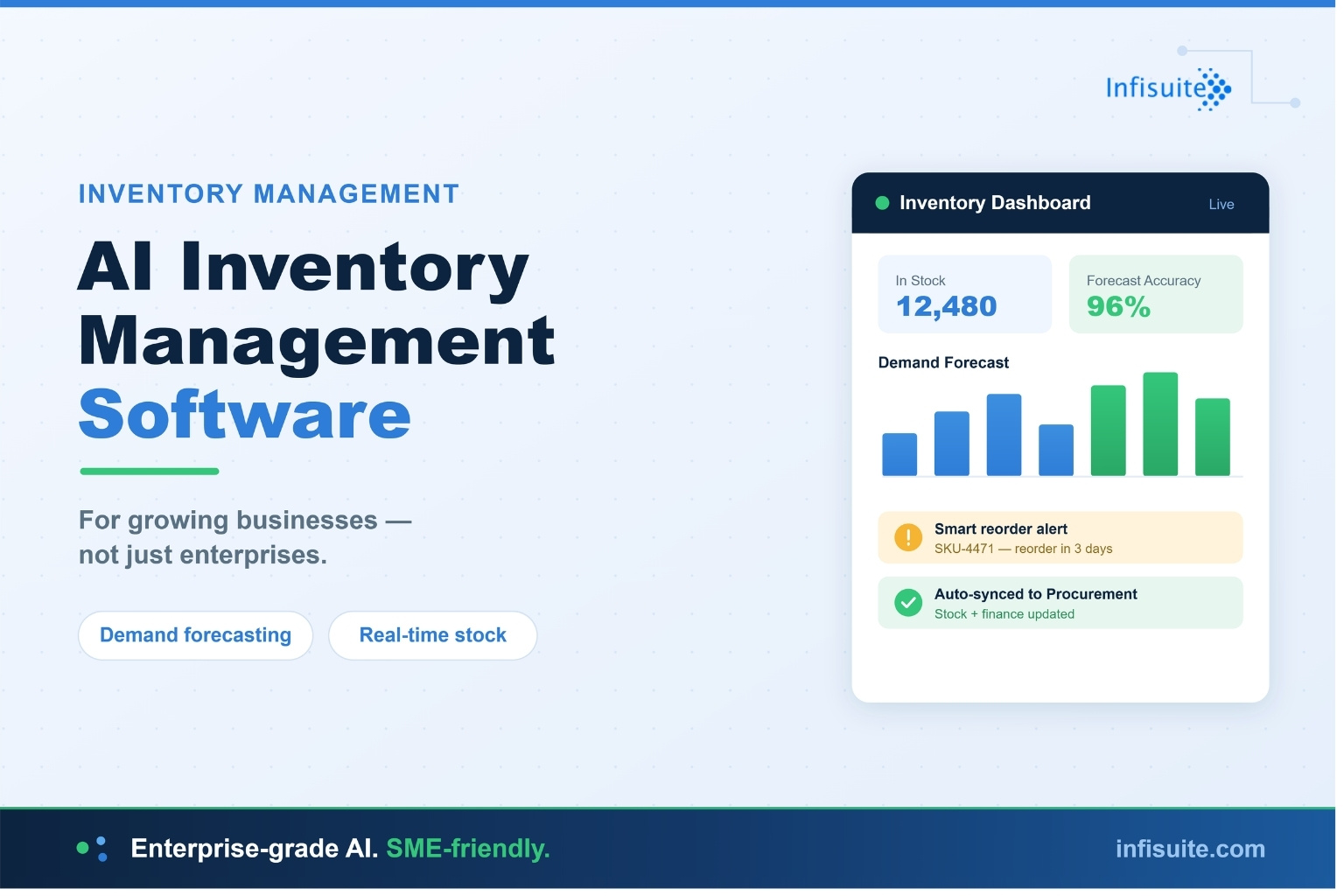
- Demand insight. AI analyses order patterns to forecast what customers will buy next — feeding smarter stock decisions, as we covered in our guide to AI inventory management software.
- Anomaly detection. Unusual orders, pricing deviations, or duplicate entries get flagged before they cause disputes.
- Payment risk signals. Customers whose payment behaviour is slipping are identified early, so credit decisions and follow-ups are proactive rather than reactive.
- Priority intelligence. High-value orders and at-risk deliveries surface to the top, so teams focus where it matters.
Who Needs Sales Order Management Software?
Any business that sells regularly benefits — but it becomes essential when:
- Orders arrive through more than one channel (reps, phone, email, online)
- Order errors — wrong items, quantities, or prices — are recurring
- Invoices regularly go out days after delivery
- You can’t see outstanding payments at a glance
- Stock surprises are causing cancellations or backorders
If several of these sound familiar, your order-to-cash cycle is leaking time and cash. Our guide on when businesses actually need an ERP system can help you judge whether it’s time for a connected platform.
Frequently Asked Questions
What is sales order management software?
Sales order management software manages the full lifecycle of a customer order — capture, confirmation, stock allocation, fulfilment, invoicing, and payment tracking — in one connected workflow, replacing manual re-entry between emails, spreadsheets, and separate tools.
What is the order-to-cash process?
Order-to-cash (O2C) is the complete cycle from a customer placing an order to their payment being received and recorded. Its core steps are order capture, confirmation, stock allocation, fulfilment, invoicing, and payment collection.
What’s the difference between order-to-cash and purchase-to-pay?
They’re mirror processes. Order-to-cash manages the sales side — how you sell and collect money from customers. Purchase-to-pay manages the buying side — how you purchase and pay vendors. Both benefit from the same connected, traceable workflow.
How does sales order software speed up payments?
Two ways: invoices go out immediately on fulfilment (generated from order data, no manual step), and overdue payments are flagged automatically for follow-up. Faster, more accurate invoices plus consistent follow-up means cash arrives sooner.
Should sales order management be standalone or part of an ERP?
For most growing businesses, part of an ERP. Standalone order tools can’t check live stock or generate invoices without re-entry. When sales shares one platform with inventory and accounts, every handoff is instant — which is where the real order-to-cash acceleration comes from.
Conclusion
A sale only counts when the cash arrives. Everything between the order and the payment — confirmation, stock, fulfilment, invoice, collection — is either accelerating that moment or delaying it.
Sales order management software accelerates it by removing the waits: orders captured once, stock allocated instantly, invoices sent the moment fulfilment completes, and payments tracked automatically. Connected to inventory and accounts on one platform, the entire order-to-cash cycle compresses — and cash flows the way it should.
Faster orders. Fewer errors. Quicker cash. That’s the whole point.
Written by Anjana A
ERP & Business Software Specialist, Infisuite
Anjana A writes about ERP, sales operations, and business automation for growing SMEs. Drawing on Infisuite’s experience helping businesses connect their order-to-cash cycle, she focuses on practical guidance for turning sales into cash — faster and with fewer errors.
Ready to compress your order-to-cash cycle? Talk to the Infisuite team to see how a connected sales module accelerates your cash flow.