

Quick Answer
AI inventory management software tracks your stock in real time. It also uses AI to forecast demand, send smart reorder alerts, and flag slow-moving stock — all without enterprise complexity or cost. It replaces error-prone spreadsheets with automated updates, batch and expiry tracking, and audit trails. For SMEs, this means fewer stockouts, less overstocking, and more free cash. The biggest gains come when AI inventory is built into a connected ERP platform. Stock data then flows automatically between procurement, sales, and finance.
Key Takeaways
- AI inventory software gives real-time stock visibility across warehouses and branches. It adds demand forecasting and smart reorder alerts on top.
- Core features: automated stock updates, AI reorder alerts, multi-location tracking, batch and expiry management, and full audit trails.
- The biggest value comes from integration. When inventory connects to procurement, sales, and finance, stock updates automatically with every transaction.
- AI turns stock data into decisions. It forecasts demand, flags slow-moving items, and helps you optimise stock — not just record it.
- Standalone tools create new silos. Inventory built into an ERP platform avoids data fragmentation.
For any business that holds stock, inventory is one of the largest and most sensitive parts of the operation. Hold too much, and cash sits idle on shelves. Hold too little, and you lose sales when demand spikes. Get the tracking wrong, and you make decisions on numbers that aren’t real.
Large enterprises solved this years ago — with expensive, complex systems. But AI inventory management is no longer enterprise-only. Growing businesses can now access the same intelligent stock control, without the price tag or the complexity. This guide explains what AI inventory management software is, how it works, and what it means for a growing business ready to leave spreadsheets behind.
What Is AI Inventory Management Software?
AI inventory management software is a digital system that tracks and controls your stock. It records what you have, where it is, what it’s worth, and how it moves. On top of that, it uses AI to forecast demand, optimise stock levels, and surface insights automatically. It replaces spreadsheets, paper records, and disconnected tools with one intelligent source of truth.
At its core, inventory management software answers four questions at any moment:
- What stock do we have? Real-time quantities across every location.
- Where is it? Which warehouse, branch, or department holds each item.
- What’s moving? Inward stock from purchases, outward stock from sales, and transfers between locations.
- What needs attention? Items running low, expiring soon, or sitting unsold.
The shift from spreadsheets to dedicated software matters because manual tracking doesn’t scale. Research by spreadsheet-error expert Professor Raymond Panko at the University of Hawaii found that around 88% of spreadsheets contain errors. When those errors govern your stock levels, you get mis-ordering, stockouts, and bad decisions. For more, read our article on signs your business has outgrown spreadsheets.
How Does Inventory Management Software Work?
Modern inventory management software works by maintaining a live, central record of every item, updated automatically as stock moves through your business. Here’s the typical flow:
1. Stock comes in
When goods arrive from a supplier, the system records the inward movement — automatically if it’s connected to your procurement process. Quantities update in real time, with no manual data entry.
2. Stock is stored and tracked
Each item is tracked by location, and where relevant by batch number and expiry date. The system always knows how much you have and where it sits.
3. Stock goes out
When a sale is made, the system deducts the stock automatically — again, in real time if it’s integrated with your sales process. This keeps available quantities accurate without anyone updating a spreadsheet.
4. The system flags what needs attention
Reorder points trigger alerts when stock falls below a set level. Expiry tracking flags items approaching their use-by date. Reports surface slow-moving or excess stock. This is where the software shifts from record-keeping to active decision support.
Key Features of Inventory Management Software
Not all inventory systems are equal. These are the features that deliver the most value for growing businesses:
Real-Time Stock Visibility
The foundation of everything. You should be able to see accurate stock levels, movements, and availability at any moment — not at the end of the week when someone updates the sheet.
Multi-Location Management
If you operate across multiple warehouses, branches, or departments, the system should track stock at each location and give you a consolidated view across all of them.
Automated Reorder Alerts
Define reorder points for each item, and let the system trigger alerts automatically when stock falls below (or rises above) your set limits — preventing both stockouts and overstocking.
Batch and Expiry Tracking
For perishable or batch-managed goods, tracking by batch number and expiry date ensures proper stock rotation and prevents wastage from expired product.
Audit Trails and Compliance
Role-based approval flows and a complete audit trail of every action provide the traceability and governance that growing — and regulated — businesses need.
Integration With Other Functions
This is the feature that separates good systems from great ones. Inventory shouldn’t live in isolation. When it connects to procurement, sales, and finance, your stock data becomes part of a single connected operation.
What Makes Inventory Management “AI-Driven”?
Traditional inventory software records and reports. AI-driven inventory software goes a step further — it analyses your stock data and helps you act on it. According to research from McKinsey, applying AI to supply chain and inventory functions can meaningfully reduce forecasting errors and lower inventory-holding costs. The difference shows up in capabilities like:
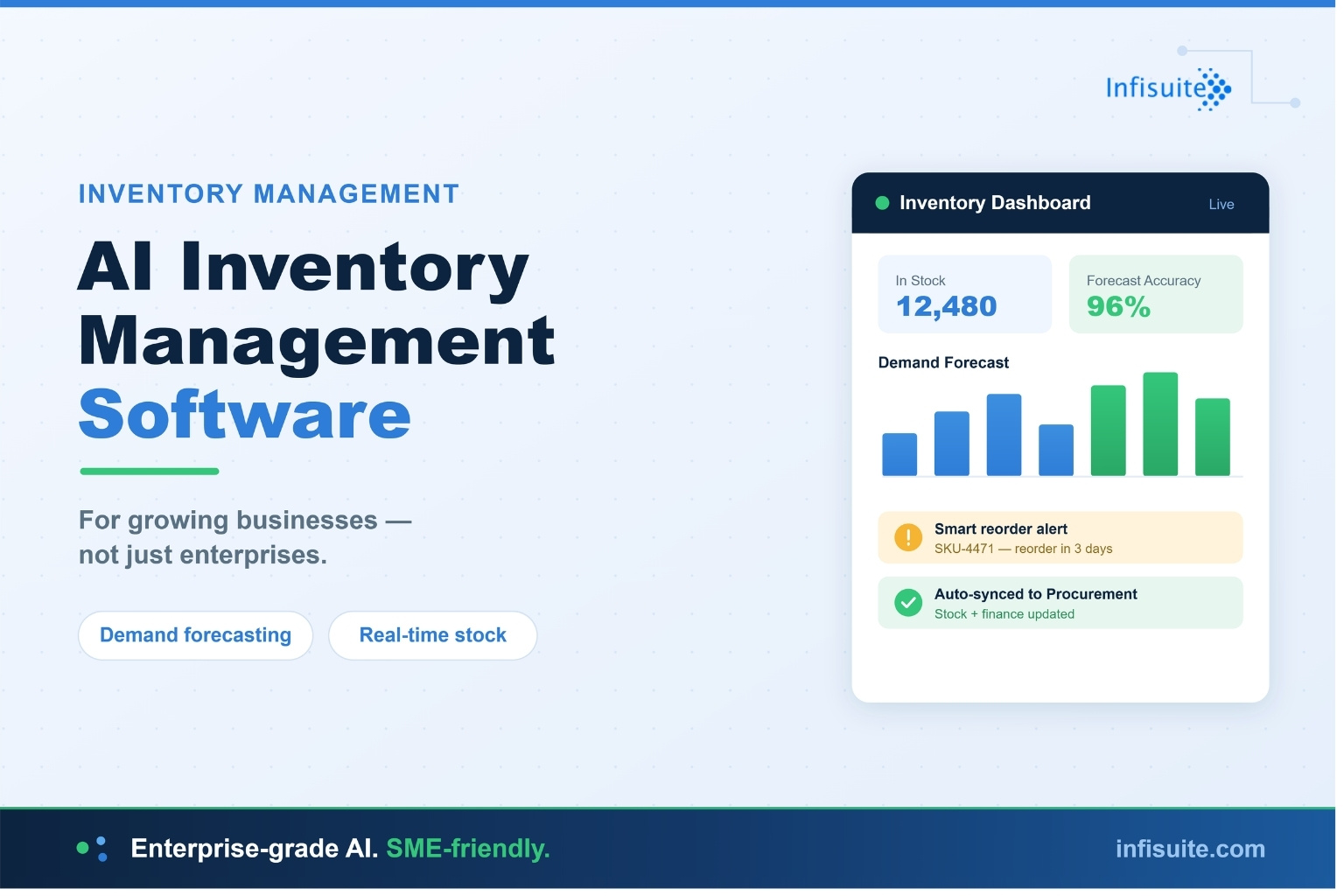
- Demand forecasting: The system predicts future stock needs from past patterns and trends. You order the right amount at the right time — no guessing.
- Smart reorder alerts: AI factors in seasonality and demand velocity. It flags what to reorder before you run short.
- Slow-moving stock detection: The system surfaces capital trapped in stock that isn’t selling. You can act before it becomes dead inventory.
- Actionable insights: AI analytics turn raw stock data into clear, real-time signals for faster decisions.
This is the shift from inventory software as a record-keeper to inventory software as a decision-support system. Infisuite’s AI-driven Inventory module is built around exactly this — combining real-time tracking with intelligent controls and insights.
What AI Inventory Management Means for an SME (Not Just Enterprises)
Most articles on AI inventory management are written for large enterprises with complex global supply chains. But the technology is now accessible — and genuinely useful — for growing businesses. Here’s what it delivers for an SME:
- No more spreadsheet guesswork. The system tracks stock automatically and predicts what you’ll need. No more manual counts or guessed reorder quantities.
- Right-sized, not enterprise-bloated. A modular system gives you the intelligence you need — forecasting, smart alerts, multi-location tracking. You skip the complexity you don’t.
- Cash flow protection. Dead stock and stockouts hit an SME harder than a large enterprise. AI optimisation protects your working capital.
- Fewer people, more output. SMEs run lean. Automating stock tracking frees your small team to focus on growth.
- Affordable and scalable. Cloud-based AI inventory fits SME budgets and scales as you grow. No big upfront investment.
In short: AI inventory management used to be an enterprise luxury. For growing businesses today, it’s an accessible, practical upgrade that pays for itself by protecting cash and saving time.
Why Standalone Inventory Tools Fall Short
Many businesses start with a standalone inventory tool — then hit its limits. A standalone system tracks your stock. But it doesn’t know what’s happening in the rest of your business. When a sale closes, someone updates inventory by hand. When stock arrives, someone re-enters it. The inventory tool and the accounting tool disagree, and nobody’s sure which is right.
This is the data silo problem. A standalone tool solves one problem but creates another — a disconnected island of data you have to reconcile manually. We cover this in depth in our article on how data silos destroy operational efficiency.
The result is exactly the kind of fragmentation that slows growing businesses down: duplicate data entry, mismatched numbers, and no single source of truth.
The Better Approach: Inventory as Part of a Connected Platform
The most effective inventory management isn’t a standalone tool at all — it’s an inventory module built into a wider ERP platform, sharing the same data as procurement, sales, and finance.
In a connected platform, the flow is seamless:
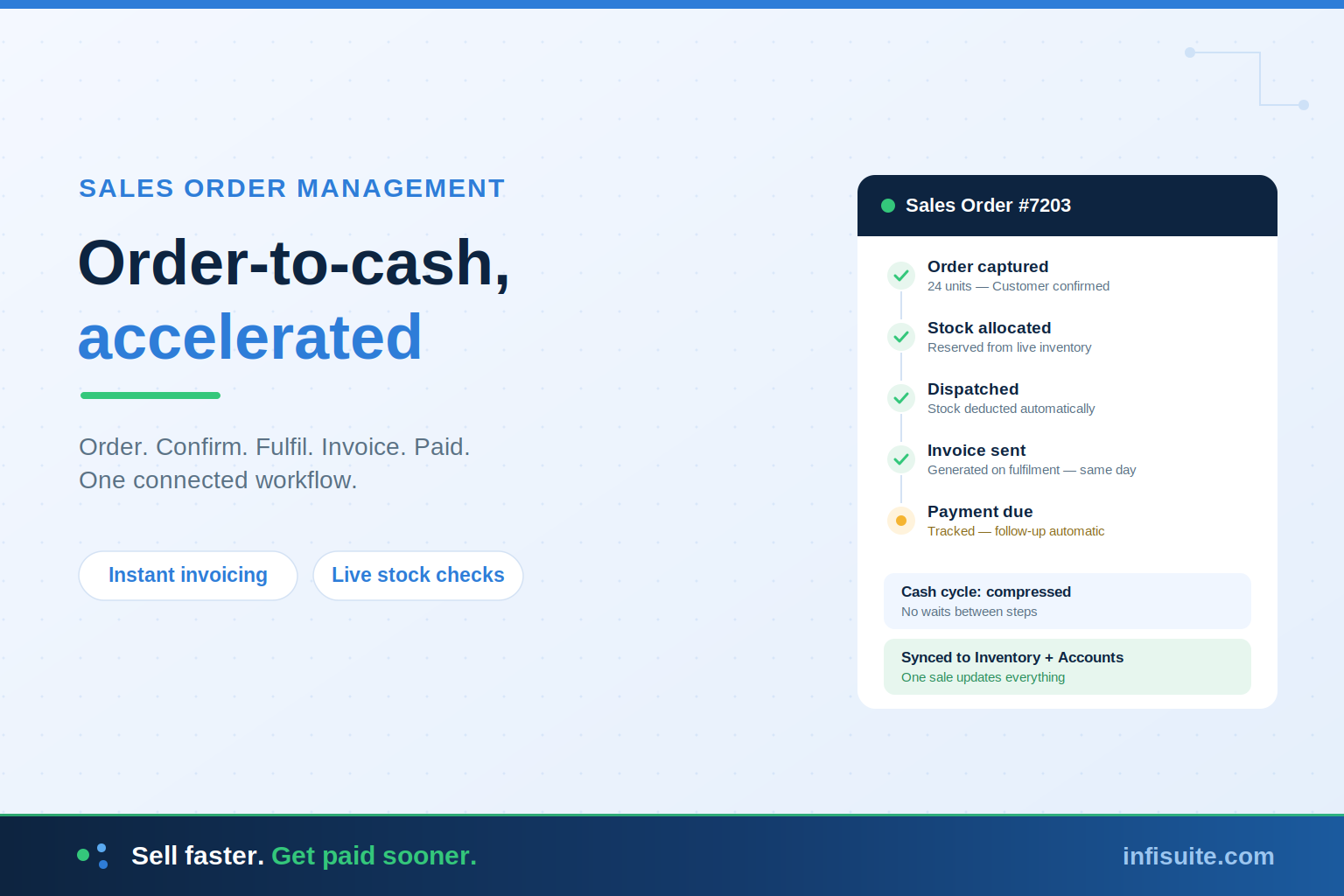
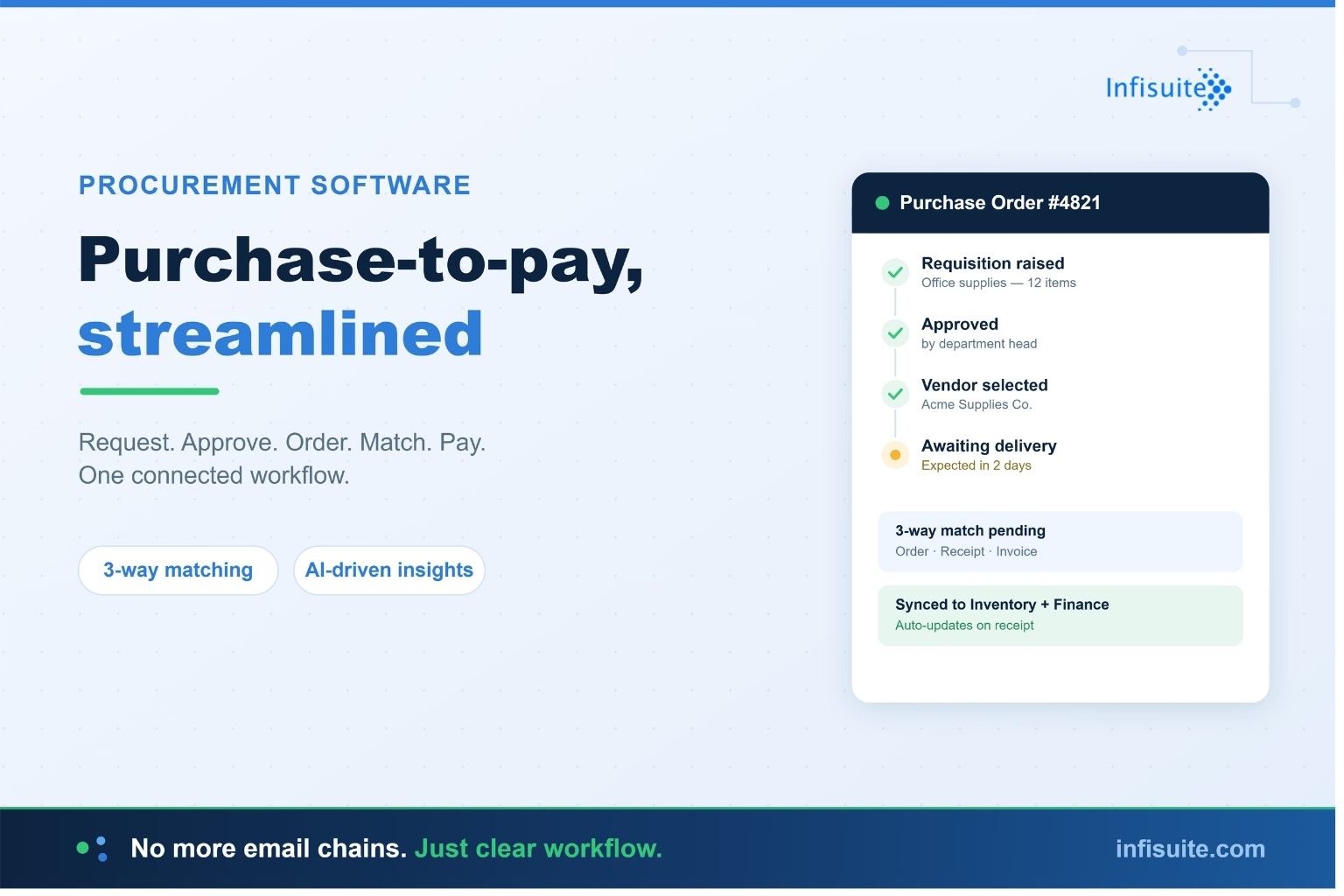
- A purchase order is raised in procurement → stock is automatically expected and then received into inventory
- A sale is made in sales → stock is automatically deducted from inventory
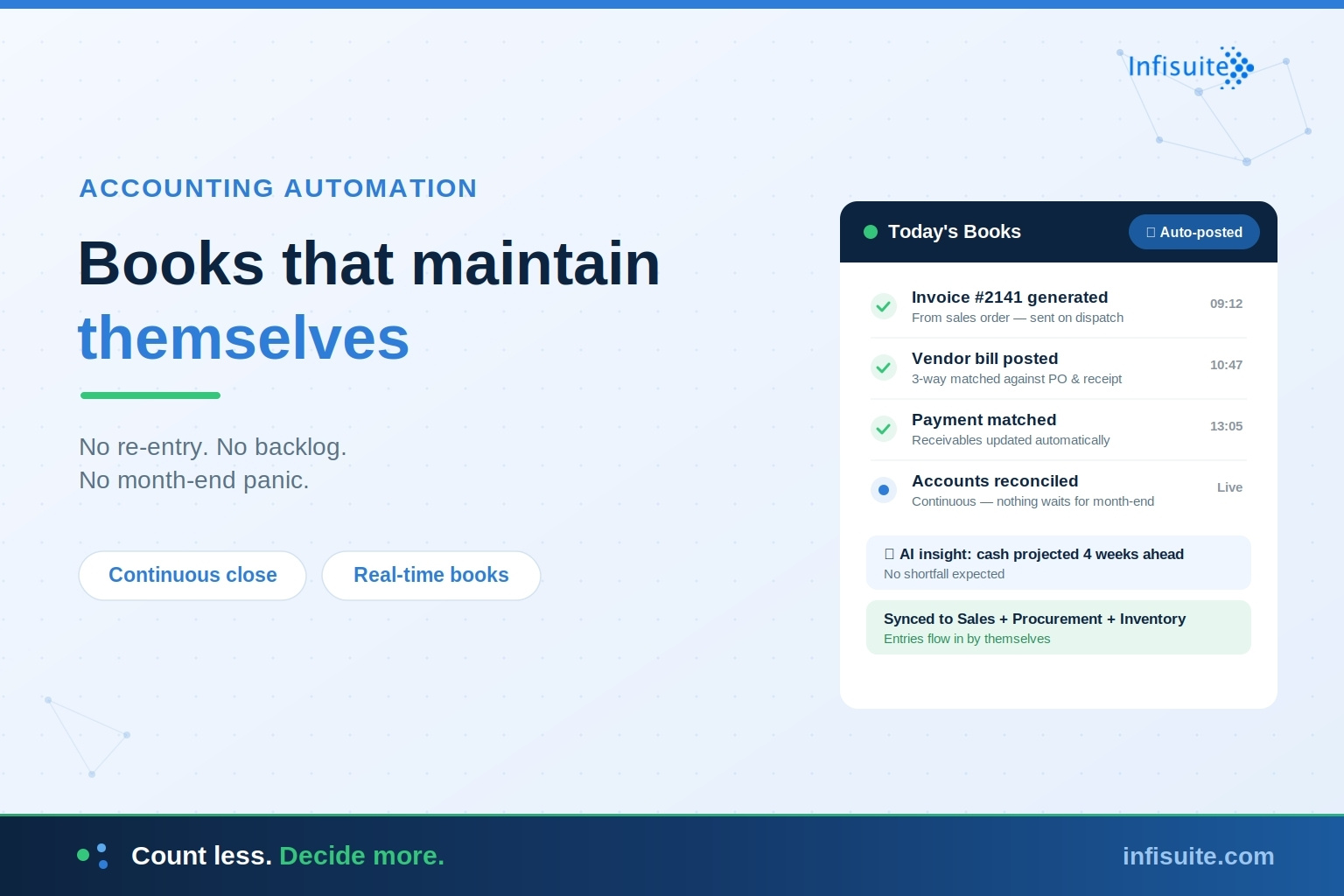
- Every movement flows into finance → inventory valuation stays accurate in real time
No manual handoffs. No reconciliation. No conflicting numbers. This is the approach we describe in our guide to building a single source of truth.
Infisuite’s Inventory module is built exactly this way. It combines real-time visibility, intelligent reorder alerts, multi-location management, and batch and expiry tracking. And it’s natively integrated with Procurement, Sales, and Finance for a truly connected flow.
Who Needs Inventory Management Software?
Inventory management software delivers value to any business that holds physical stock, but it becomes essential when:
- You’re managing stock across more than one location
- Manual tracking is producing errors, stockouts, or overstocking
- You can’t get an accurate, real-time view of what you have
- Reconciling inventory with sales and purchases is eating up staff time
- You’re growing, and spreadsheets can no longer keep up
If several of these sound familiar, it’s a strong signal that you’ve outgrown manual methods. Industry analysts such as Gartner consistently point to real-time inventory visibility and automation as core capabilities for businesses scaling their operations. Our guide on when businesses actually need an ERP system can help you assess where you stand.
Frequently Asked Questions
What is AI inventory management software?
AI inventory management software tracks stock levels, movements, and availability in real time across one or more locations. It also uses AI to forecast demand, send smart reorder alerts, and surface insights. This replaces manual spreadsheets with an intelligent, automated source of truth.
Can inventory management software handle multiple locations?
Yes. Good inventory software tracks stock at each warehouse, branch, or department individually and provides a consolidated view across all of them — essential for businesses operating across multiple sites.
Does inventory software support expiry and batch tracking?
Quality inventory systems let you track items by batch number and expiry date, ensuring proper stock rotation and preventing wastage from expired product. This is especially important for perishable or regulated goods.
Should inventory software be standalone or part of an ERP?
For most growing businesses, inventory built into an ERP platform is far more valuable than a standalone tool. When inventory shares data with procurement, sales, and finance, stock updates automatically with every transaction — eliminating the manual reconciliation and data silos that standalone tools create.
How does AI improve inventory management?
AI improves inventory management by forecasting demand from historical patterns, generating smart reorder alerts that account for seasonality and demand velocity, detecting slow-moving or excess stock, and turning raw stock data into actionable insights — shifting inventory software from a record-keeper to a decision-support system.
How does inventory management software improve cash flow?
By giving accurate, real-time stock visibility, it helps businesses avoid overstocking (which ties up cash) and prevent stockouts (which lose sales). Better inventory control means less capital sitting idle on shelves and fewer missed revenue opportunities.
Conclusion
Inventory management software turns stock from a source of guesswork and risk into a controlled, visible, and optimised asset. It replaces error-prone manual tracking with real-time accuracy, automates the alerts that prevent stockouts and overstocking, and gives you the audit trail and governance that growth demands.
But the biggest gains come from connection. A standalone inventory tool solves one problem while creating a new silo. Inventory built into a connected platform — sharing data with procurement, sales, and finance — delivers accuracy, efficiency, and a true single source of truth.
For growing businesses that want control over their stock without the fragmentation of disconnected tools, integrated inventory management is the foundation worth building on.
Written by Anjana A
ERP & Business Software Specialist, Infisuite
Anjana A writes about ERP, inventory, and business automation for growing SMEs. Drawing on Infisuite’s experience helping smaller businesses access enterprise-grade tools without enterprise complexity, she focuses on practical, real-world guidance for leaner, more connected operations.
Ready to take control of your stock with real-time, connected inventory management? Explore Infisuite’s Inventory module or talk to our team for a personalised walkthrough.