

Quick Answer
Accounting automation transforms business finance by removing the manual work between transactions and accurate books. Instead of re-typing invoices, matching payments by hand, and reconciling spreadsheets at month-end, automated accounting captures transactions as they happen — sales generate invoices, purchases post bills, payments match automatically, and the books stay current every day. The result: faster closes, fewer errors, real-time financial visibility, and a finance team that spends its time on analysis instead of data entry. The biggest gains come when accounting is connected to sales, procurement, and inventory on one platform.
Key Takeaways
- Most accounting work is automatable. McKinsey research found 42% of finance activities can be fully automated with current technology.
- Manual bookkeeping is a lag machine. Books that are days or weeks behind mean decisions made on stale numbers.
- Automation captures transactions at the source — sales create invoices, purchases post bills, payments match themselves.
- Month-end close shrinks from weeks to days when reconciliation happens continuously instead of in one painful batch.
- Connection completes the picture. Accounting linked to sales, procurement, and inventory means books that update themselves.
Ask any growing business where its finance team’s time goes, and the answer is rarely “analysis” or “strategy.” It’s data entry. Invoice typing. Payment matching. Chasing missing receipts. And the monthly ritual every finance person dreads: the close.
None of that is value-creating work. It’s the manual labour of keeping the books in sync with what the business already did — and it’s exactly the work automation is built to remove.
So how does accounting automation transform business finance? By capturing transactions as they happen, posting them without re-entry, matching payments automatically, and keeping the books continuously current. This guide explains what that looks like in practice — and why it changes more than just the accounting department.
What Is Accounting Automation?
Accounting automation is the use of software to perform routine financial tasks — recording transactions, generating invoices, matching payments, reconciling accounts, and producing reports — without manual data entry.
The scale of the opportunity is well documented. Research from McKinsey on the future of the finance function found that currently demonstrated technologies can fully automate 42% of finance activities — and mostly automate a further 19%. That’s the majority of what a typical finance team does today.
Importantly, automation doesn’t replace financial judgement. It replaces the repetitive work that sits underneath financial judgement — freeing your team to actually use the numbers instead of just producing them.
The Manual Accounting Trap
Manual accounting doesn’t fail loudly. It fails slowly, through accumulating lag and error:
- The books run behind the business. Transactions happen daily; entries happen when someone has time. The gap between reality and the books grows all month.
- Every re-entry risks an error. An invoice typed from an email, a payment keyed from a bank statement — each manual touch is a chance for a wrong digit that surfaces weeks later.
- Month-end becomes a crisis. All the unmatched payments, missing documents, and unreconciled accounts pile up into one exhausting close that takes days or weeks.
- Leadership flies blind between closes. If accurate numbers only exist after month-end, every in-month decision is made on estimates and gut feel.
These are the same fragmentation costs we’ve traced across data silos and spreadsheet-dependent operations — landing on the one department whose whole job is accuracy.
What Accounting Automation Actually Handles
1. Invoicing
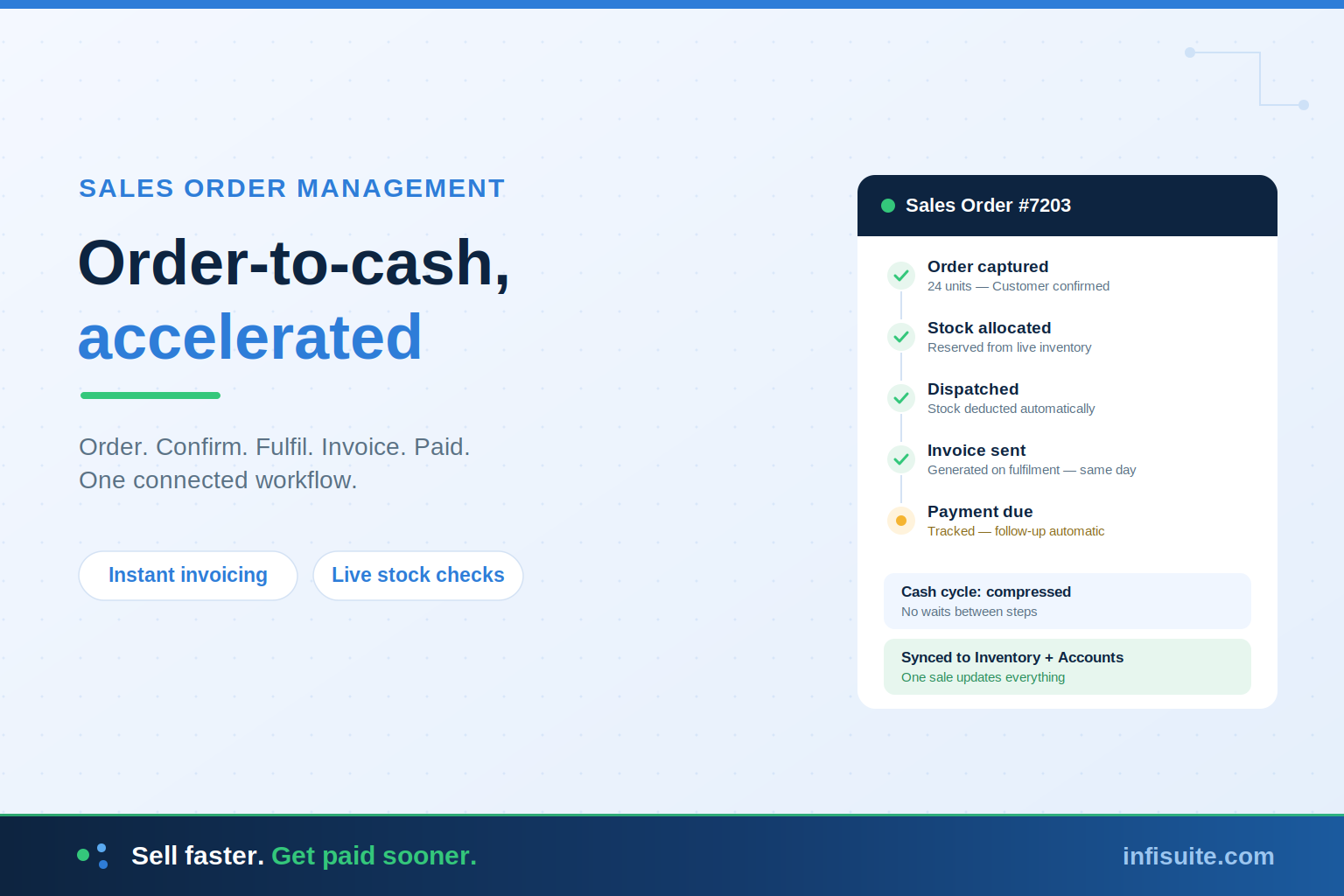
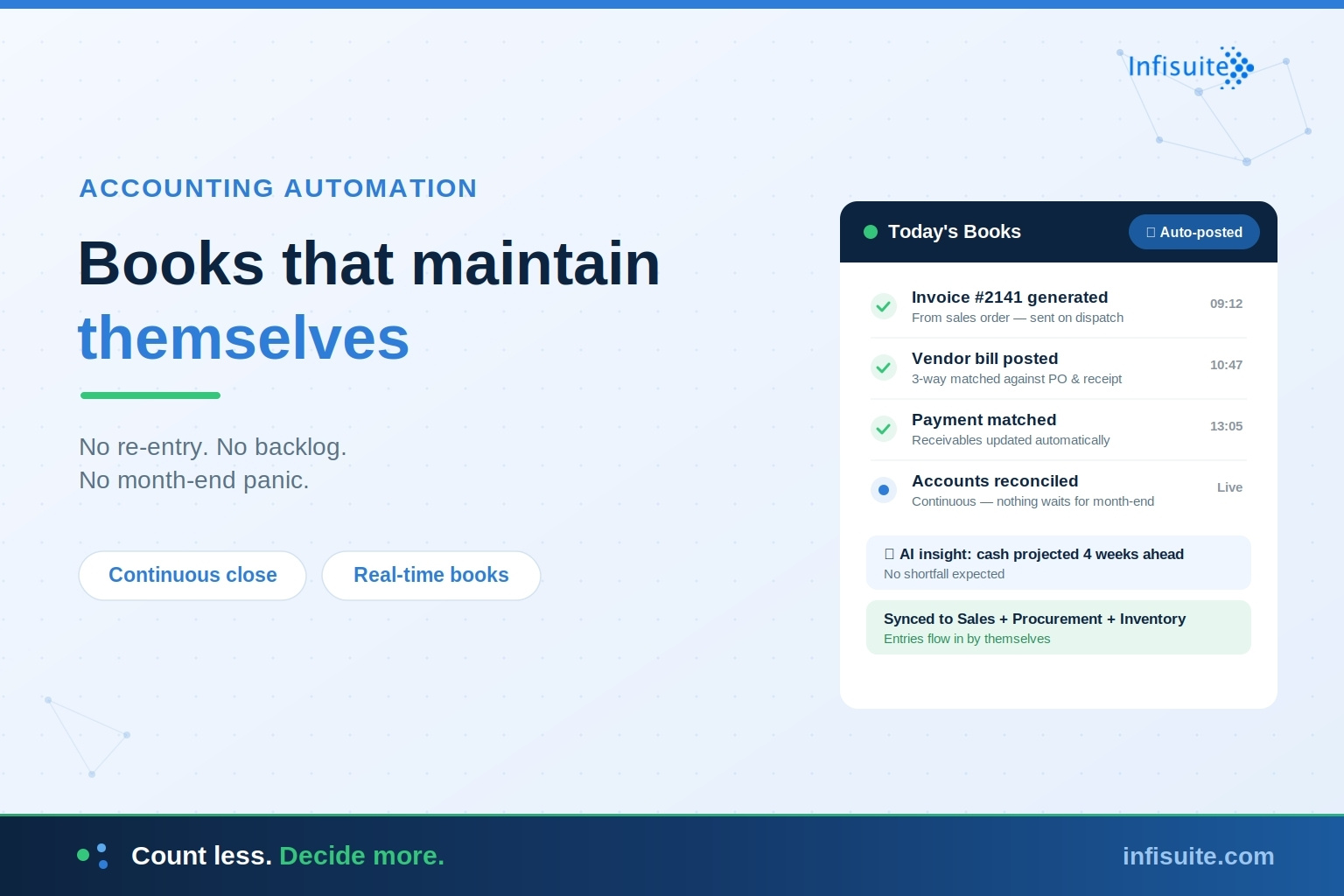
Invoices generate directly from sales orders and dispatch data — same details, no re-typing, sent the moment fulfilment completes. This is the finance end of the order-to-cash cycle: faster invoices, faster payments.
2. Accounts Payable
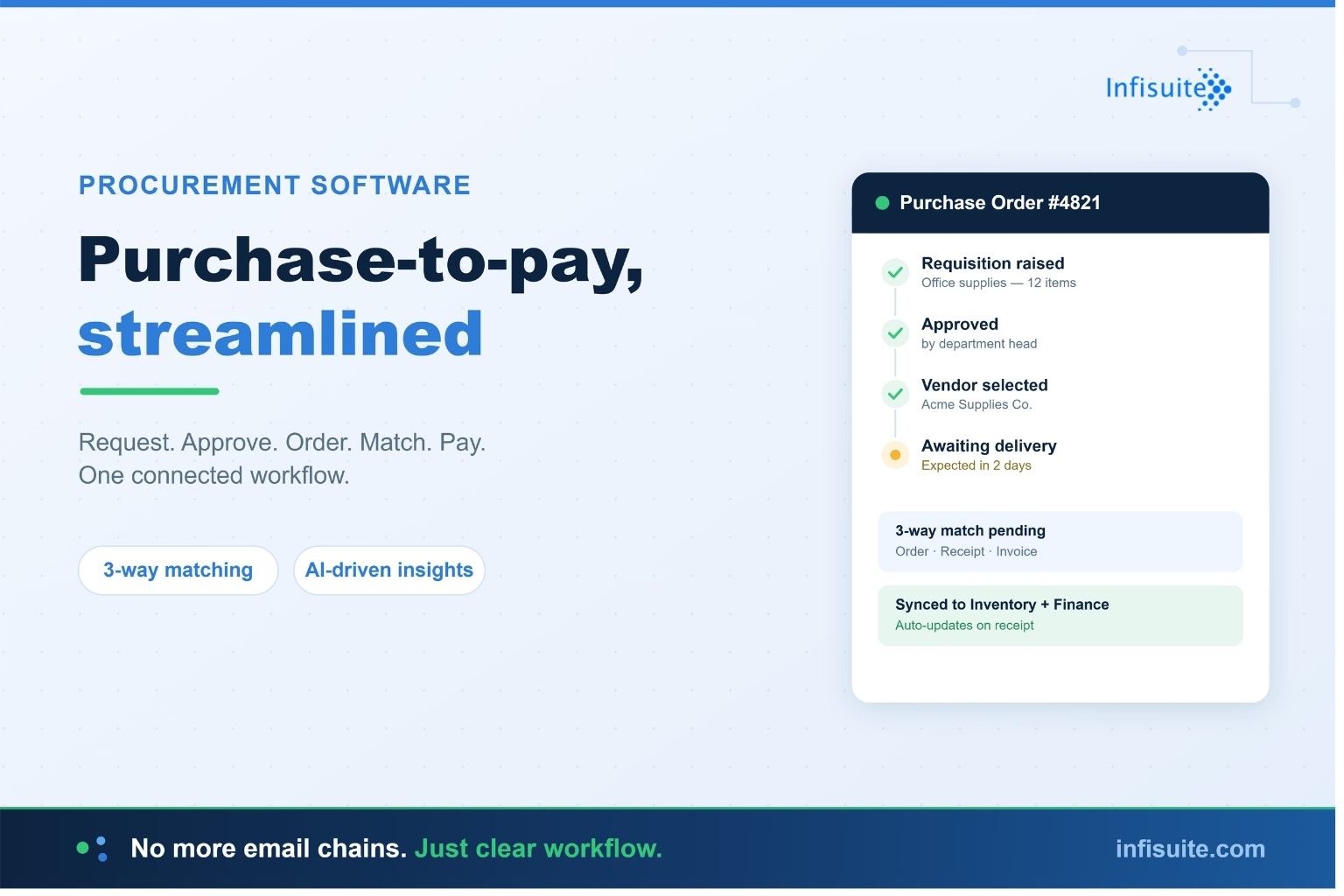
Vendor bills post from purchase orders and goods receipts, with three-way matching verifying every invoice before payment — the control we covered in our guide to the purchase-to-pay process. Nothing gets paid on trust; nothing gets typed twice.
3. Payment Matching and Receivables
Incoming payments match against open invoices automatically. Outstanding amounts are visible at a glance, and overdue invoices are flagged for follow-up on time — not when someone finally checks.
4. Reconciliation
Instead of one giant month-end reconciliation, accounts reconcile continuously as transactions flow in. Mismatches surface the day they occur — when they’re easy to fix — rather than weeks later when the trail has gone cold.
5. Journal Entries and Posting
Routine entries — sales, purchases, payments, stock movements — post automatically from the operations that created them. Manual journals are reserved for the genuinely exceptional items that need human judgement.
6. Reporting and Compliance
Because the books are always current, reports are available on demand — profit and loss, cash position, receivables ageing — without a compile step. Audit trails build themselves, since every entry traces back to its source transaction.
Manual vs Automated Accounting
| Area | Manual Accounting | Automated Accounting |
|---|---|---|
| Data entry | Typed from emails and statements | Captured at the source, once |
| Books accuracy | Days or weeks behind | Current every day |
| Month-end close | Days to weeks of catch-up | Days — reconciliation is continuous |
| Error handling | Found weeks later, hard to trace | Flagged same-day, easy to fix |
| Financial visibility | Only after each close | Real-time, on demand |
| Team’s time | Consumed by data entry | Spent on analysis and control |
Why Connection Multiplies the Benefit
Here’s the insight that ties our whole module series together: most accounting entries are born somewhere else in the business.
A sale creates an invoice. A purchase creates a bill. A stock movement creates a valuation change. In a disconnected setup, each of those events has to be manually carried into the accounting system — which is exactly where the lag and errors come from.
In a connected platform, accounting sits at the centre and the entries flow in by themselves:
- Sales → Accounts: confirmed orders become invoices; payments update receivables — the order-to-cash cycle completes in the books automatically.
- Procurement → Accounts: matched vendor invoices post as payables — the purchase-to-pay cycle lands without re-entry.
- Inventory → Accounts: stock receipts, dispatches, and adjustments keep inventory valuation accurate in real time.
This is exactly how Infisuite’s Accounts module works — natively connected to Sales, Procurement, and Inventory, so the books maintain themselves from the operations that drive them. Standalone accounting software can’t do this; it only sees what someone types into it.
How AI Takes Finance Further
Automation handles the rules-based work. AI adds intelligence on top. According to McKinsey’s research on AI in finance, finance teams are using AI to forecast more accurately, monitor working capital in real time, and speed up reporting cycles.
In practice, AI-driven finance means:
- Cash flow foresight. AI projects incoming and outgoing cash from real order, invoice, and payment patterns — so shortfalls are visible weeks ahead.
- Anomaly detection. Duplicate bills, unusual amounts, and out-of-pattern transactions get flagged for review before they distort the books.
- Payment behaviour signals. Customers whose payment patterns are slipping are identified early — informing credit decisions and collections priorities.
- Smarter close. AI identifies which reconciling items actually need human attention, so the close focuses effort where judgement matters.
Who Needs Accounting Automation?
Any business whose finance team spends more time producing numbers than using them. The clearest signs:
- Month-end close takes a week or more
- Invoices are typed manually from sales records
- Payment matching is done by hand from bank statements
- Leadership can’t see an accurate cash position today — only last month’s
- Errors are regularly discovered weeks after they happened
If several of these are true, your accounting process is running on manual effort that automation was built to remove. Our guide on when businesses actually need an ERP system can help you judge whether it’s time for a connected platform.
Frequently Asked Questions
What is accounting automation?
Accounting automation is the use of software to perform routine financial tasks — recording transactions, generating invoices, matching payments, reconciling accounts, and producing reports — without manual data entry. It keeps the books continuously current instead of updated in batches.
What accounting tasks can be automated?
Invoicing, accounts payable with three-way matching, payment matching and receivables tracking, continuous reconciliation, routine journal entries, and on-demand reporting. McKinsey research suggests 42% of finance activities can be fully automated with current technology, and a further 19% mostly automated.
Does accounting automation replace accountants?
No — it replaces the data entry underneath their work. Automation handles the repetitive recording and matching; accountants focus on analysis, exceptions, controls, and financial judgement. Most teams find their work becomes more valuable, not less.
How does automation speed up the month-end close?
By making reconciliation continuous. Instead of a month of unmatched payments and unposted entries piling up into one painful batch, transactions post and reconcile as they happen — so the close becomes a review, not a rescue.
Should accounting automation be standalone or part of an ERP?
Part of an ERP, for most growing businesses. Most accounting entries originate in sales, procurement, and inventory — when accounting shares one platform with those operations, entries flow in automatically. Standalone accounting software only sees what someone manually types into it.
Conclusion
Business finance has two jobs: keep accurate books, and use them to steer the business. Manual accounting consumes so much effort on the first job that the second barely happens.
Accounting automation flips that. Transactions capture themselves at the source, payments match automatically, reconciliation runs continuously, and the books stay current every single day. The close shrinks. Errors surface early. And for the first time, leadership sees real numbers in real time — not last month’s estimates.
Connected to sales, procurement, and inventory on one platform, the transformation completes: books that maintain themselves, and a finance team free to do the work that actually moves the business.
Written by Anjana A
ERP & Business Software Specialist, Infisuite
Anjana A writes about ERP, finance operations, and business automation for growing SMEs. Drawing on Infisuite’s experience helping businesses connect their accounting to daily operations, she focuses on practical guidance for accurate books, faster closes, and real-time financial clarity.
Ready for books that maintain themselves? Talk to the Infisuite team to see how a connected accounts module transforms your finance function.