

Quick Answer
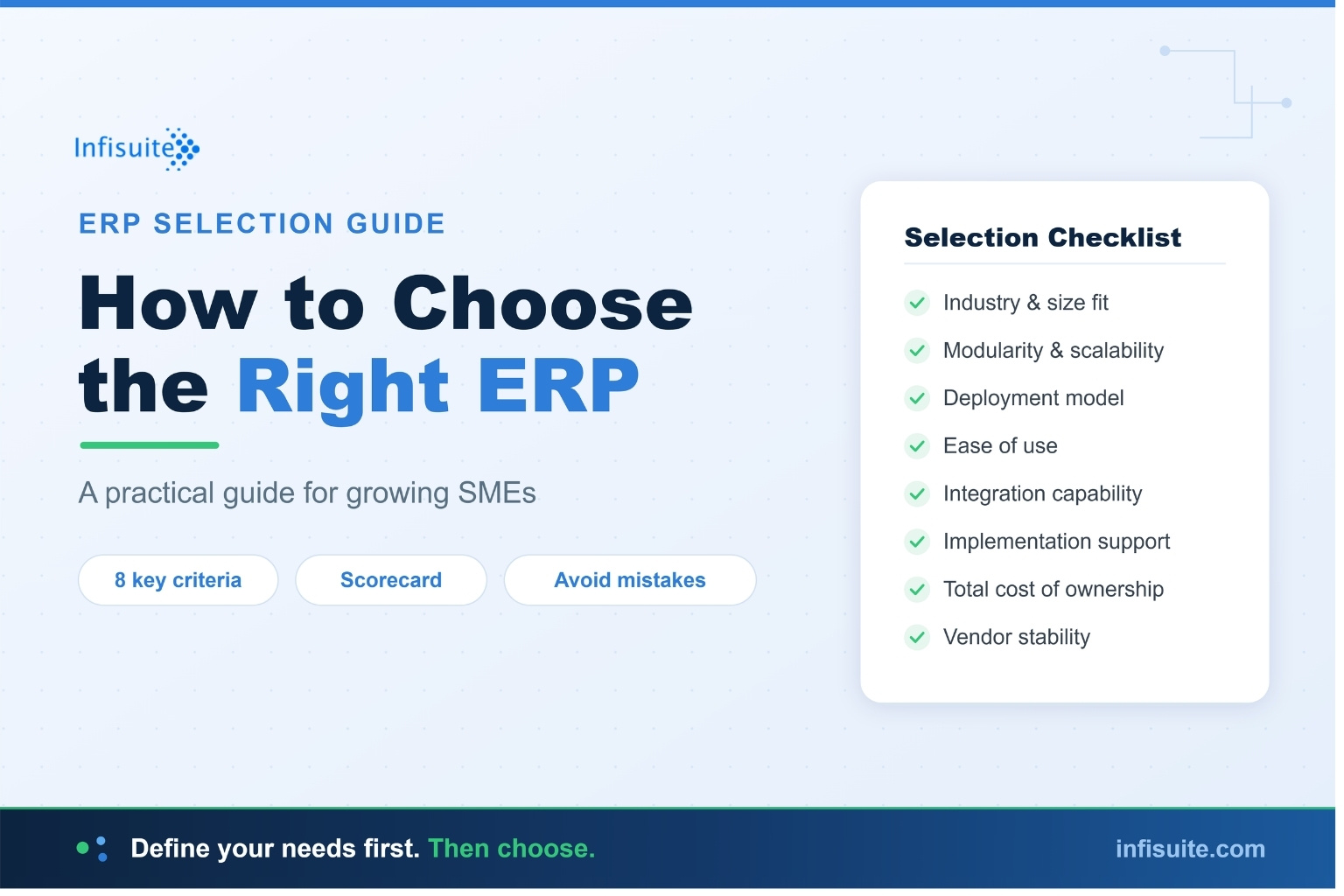
To choose the right ERP, define your business requirements first — your biggest pain points, the departments to cover, user count, and budget — then evaluate vendors against eight key criteria: industry and size fit, modularity, deployment model, ease of use, integration capability, implementation support, total cost of ownership, and vendor stability. For most growing SMEs, a modular Cloud ERP that lets you start small and scale delivers the best fit, lowest risk, and fastest ROI.
Key Takeaways
- Define requirements before evaluating vendors. The most common ERP selection mistake is starting with vendor demos instead of your own business needs.
- Score every vendor on the same 8 criteria: industry fit, modularity, deployment model, ease of use, integration, implementation support, total cost of ownership, and vendor stability.
- Fit matters more than features or price. The right ERP matches your business size, industry, and growth plans — not the one with the longest feature list.
- Modular Cloud ERP suits most growing SMEs because it lets you start small, prove ROI, and scale without enterprise complexity.
- Implementation quality is the biggest predictor of success — evaluate the vendor’s methodology, data migration, and training, not just the software.
Knowing how to choose ERP is one of the most consequential decisions a growing business will make. The right choice becomes the operational backbone that supports your growth for years. The wrong choice becomes an expensive, disruptive mistake that’s painful to unwind.
Yet most businesses approach ERP selection backwards — they start by comparing features and prices across vendors, when they should start by understanding their own requirements. This guide walks through how to choose the right ERP the right way: by defining what your business actually needs first, then evaluating options against those needs.
How to Choose ERP: Why Most Selection Processes Go Wrong
The most common ERP selection mistake is starting with the solution instead of the problem. Businesses book vendor demos, compare feature lists, and get dazzled by capabilities they may never use — all before they’ve clearly defined what they actually need the system to do. Research by Gartner consistently shows that ERP projects aligned with clearly defined business requirements significantly outperform those driven by feature comparisons.
The stakes are real: industry research indicates that 55–75% of ERP implementations fail to meet their original objectives, and a leading cause is poor alignment between the system chosen and the business’s actual requirements.
This leads to two bad outcomes. Either they choose an over-engineered enterprise platform loaded with features they don’t need (and can’t afford the complexity of), or they choose based on price alone and end up with a system that can’t support their actual operations.
The right approach is the reverse: define your requirements first, then evaluate vendors against those requirements. This guide follows that order.
Step 1: Define Your Business Requirements
Before looking at a single vendor, answer these questions about your own business:
What are your biggest operational pain points?
Be specific. “Improve efficiency” isn’t a requirement. “Eliminate the 3 days it takes to close our monthly accounts” is. List the actual problems you need the ERP to solve, in order of priority. These pain points will become your evaluation criteria.
Which departments and processes need to be covered?
Map out which functions need to be in the system: inventory, accounts, procurement, sales, CRM, HR, and so on. Identify which are essential from day one and which can be added later. For guidance on this, read our article on when businesses actually need an ERP system.
How many users will need access?
User count significantly affects both pricing and the complexity of your implementation. Estimate not just today’s users but where you’ll be in 2–3 years.
What’s your realistic budget?
Define your budget across all cost components — not just software. Read our complete guide on how much ERP costs for SMEs to build a realistic figure.
Step 2: Evaluate the 8 Key Selection Criteria
Once you know your requirements, evaluate every ERP option against these eight criteria.
1. Industry and Business-Size Fit
An ERP built for large manufacturing enterprises is wrong for a 30-person services business — and vice versa. Look for ERP designed for businesses of your size and type. The closer the fit, the faster and cheaper your implementation, and the higher your ROI.
2. Modularity and Scalability
Can you start with the modules you need now and add more as you grow? Or are you forced to buy the entire suite upfront? Modular ERP lets you start small, prove value, and scale — dramatically reducing risk and upfront cost. Infisuite, for example, is modular by design — you choose the modules that matter most and scale up anytime. For SMEs that select and implement ERP well, a 3-year ROI of 100–300% and a payback period of 12–24 months are realistic benchmarks — which is why fit-driven, modular selection has such a direct impact on returns.
3. Deployment Model (Cloud vs On-Premise)
Does the vendor offer the deployment model that fits your business? For most SMEs, Cloud ERP offers lower upfront cost, faster implementation, and no IT infrastructure burden. Some businesses with specific compliance needs may require on-premise or hybrid options. Read our detailed comparison of Cloud ERP vs Traditional ERP.
4. Ease of Use and Adoption
The most powerful ERP is worthless if your team won’t use it. Evaluate the user interface, the learning curve, and how intuitive the system is for non-technical staff. Ease of adoption is one of the biggest factors in whether an ERP delivers ROI — as we explain in our guide on ERP ROI.
5. Integration Capabilities
Your ERP needs to connect with the other tools you use — eCommerce platforms, payment gateways, and any specialist software you’ll keep. Check whether the vendor offers API-based integration and pre-built connectors for the systems you rely on.
6. Implementation Support and Methodology
How does the vendor approach implementation? Do they offer a structured methodology, data migration services, and proper training? Implementation quality is the single biggest predictor of ERP success or failure, and research from McKinsey on digital transformation consistently links successful technology adoption to strong implementation support and change management. Read our guide on why ERP implementations fail to understand what good implementation support looks like.
7. Total Cost of Ownership
Look beyond the headline price to the total cost over 3–5 years: software, implementation, data migration, training, support, and any hidden costs. The cheapest option upfront is often not the cheapest over time.
8. Vendor Stability and Support
You’re not just buying software — you’re entering a long-term relationship. Evaluate the vendor’s stability, their support responsiveness, their track record, and whether they’ll be a genuine partner through your growth.
Step 3: The ERP Selection Scorecard
To compare options objectively, score each ERP candidate against your weighted criteria. Here’s a simple framework:
| Criterion | Weight | What to look for |
|---|---|---|
| Industry/size fit | High | Built for businesses like yours |
| Modularity | High | Start small, scale as needed |
| Deployment model | High | Cloud, on-premise, or hybrid as needed |
| Ease of use | High | Intuitive for non-technical staff |
| Integrations | Medium | Connects to your existing tools |
| Implementation support | High | Structured methodology + training |
| Total cost of ownership | High | Transparent, predictable over 3–5 years |
| Vendor stability | Medium | Track record + responsive support |
Score each vendor 1–5 on each criterion, multiply by the weight, and total the scores. This turns a subjective, demo-driven decision into an objective, requirements-driven one.
Step 4: Run Effective Vendor Demos
When you do book demos, don’t let vendors run their standard sales script. Instead:
- Send your requirements in advance and ask them to demo against your specific use cases, not their generic pitch
- Use your own scenarios. “Show me how a customer order flows from sales to invoice to fulfilment in your system” reveals far more than a feature tour
- Involve the people who’ll use it. Your finance, operations, and sales teams will spot issues a manager won’t
- Ask about implementation, not just features. How long? What’s the process? Who does the data migration? What does training involve?
- Ask for references from businesses similar to yours
Common ERP Selection Mistakes to Avoid
- Choosing on features alone. A long feature list means nothing if the features don’t address your actual needs — and unused complexity slows adoption.
- Choosing on price alone. The cheapest ERP that can’t support your operations is the most expensive mistake you can make.
- Ignoring ease of use. If your team finds the system painful, adoption fails and ROI evaporates.
- Underestimating implementation. The software is only half the equation. Implementation quality determines success.
- Buying for today, not tomorrow. Choose an ERP that can scale with your growth, so you’re not repeating this process in two years.
- Over-buying. Don’t pay for enterprise complexity you don’t need. Modular ERP lets you take only what’s useful.
Why Infisuite Is Built for Growing SMEs
Infisuite is designed specifically around the criteria that matter most to growing businesses:
- Modular by design — choose the modules you need now (Inventory, Accounts, Procurement, Sales, CRM, Asset Management, Contract Management, HR, and more) and scale up anytime
- Flexible deployment — pure SaaS or hybrid/on-premise, depending on your IT and compliance needs
- Built for integration — API-based integration and pre-built connectors for popular CRMs, HRMS, and finance systems
- Implementation support — including data migration services from your existing system
- Transparent, scalable pricing — pricing that scales with your company, with a detailed quote provided during onboarding
It’s ERP built for businesses that want enterprise-grade capability without enterprise-grade complexity or cost.
Frequently Asked Questions
How long does it take to choose an ERP?
A thorough selection process typically takes 4–12 weeks for an SME — including defining requirements, evaluating vendors, running demos, and making a decision. Rushing this process is a common cause of poor ERP choices.
Should I choose ERP based on my industry?
Industry fit matters, but business size and operational complexity matter just as much. The best choice is an ERP that fits both your industry needs and your business scale — without forcing you into enterprise complexity you don’t need.
Is it better to choose a modular ERP or an all-in-one suite?
For most growing SMEs, modular ERP is the better choice. It lets you start with the modules that address your most pressing needs, prove ROI, and scale up over time — reducing both upfront cost and implementation risk.
How important is the vendor relationship?
Very important. ERP is a long-term commitment, and your vendor becomes a partner in your operations. Evaluate their support responsiveness, implementation methodology, and stability — not just their software.
What’s the single most important factor in choosing an ERP?
Fit. The ERP that best fits your specific business size, industry, requirements, and growth plans will deliver more value than a “better” system that’s wrong for your situation. Define your requirements first, then find the best fit.
Conclusion
Choosing the right ERP isn’t about finding the system with the most features or the lowest price. It’s about finding the best fit for your specific business — your size, your industry, your requirements, and your growth plans.
Get the order right: define your requirements first, evaluate options against those requirements using objective criteria, run demos based on your real use cases, and weigh total cost of ownership over the long term. Do this, and you’ll make a confident, well-grounded decision rather than a demo-driven gamble.
The right ERP becomes the foundation that supports your growth for years. It’s worth taking the time to choose well.
Written by Anjana A
ERP & Business Software Specialist, Infisuite
Anjana A writes about ERP selection, implementation, and business automation for growing SMEs. Drawing on Infisuite’s experience helping businesses evaluate and deploy cloud ERP, she focuses on practical, requirements-first guidance that helps decision-makers choose systems that fit their size, industry, and growth plans.
Ready to find out if Infisuite is the right fit for your business? Talk to our team for a personalised consultation and quote.