

Quick Answer
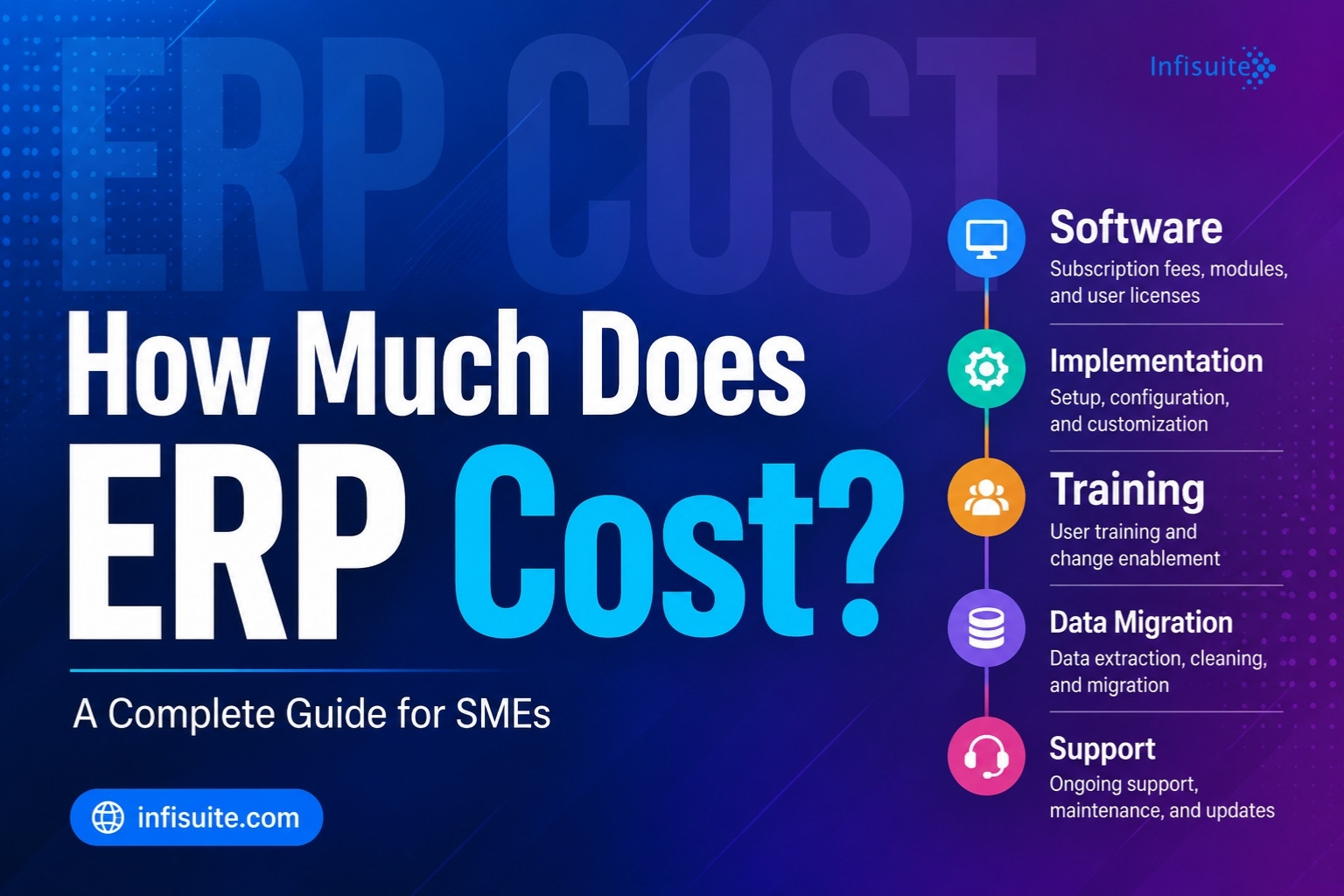
ERP cost isn’t a single price — it’s the total of five components: software subscription, implementation, data migration, training, and ongoing support. For SMEs, Cloud ERP subscriptions typically range from ₹15,000–₹50,000 per month for a small business, with implementation from around ₹1,00,000 for a basic 2–3 module setup. The software subscription is usually the smallest part; implementation is often the largest. The smartest way to judge ERP cost is by total cost of ownership over 3–5 years — and against the cost of not having ERP.
Key Takeaways
- ERP cost has five components — software, implementation, data migration, training, and support.
- Software subscription is usually the smallest cost. Implementation is often the largest.
- Cloud ERP is more accessible for SMEs — predictable subscriptions instead of large upfront licences.
- Watch the hidden costs — customisation creep, integrations, and post go-live productivity dips.
- Judge cost in context. The real question is cost vs the cost of not having ERP.
It is the first question almost every business asks when evaluating ERP — and one of the hardest to answer directly. How much does ERP actually cost?
The honest answer is: it depends. But that answer is only useful if you understand what it depends on — and why two businesses of similar size can end up paying very different amounts for ERP implementations that deliver very different levels of value.
This guide breaks down every component of ERP cost — software, implementation, training, data migration, and ongoing support — so you can build a realistic budget, ask the right questions, and avoid the hidden costs that derail most SME ERP projects.
Why ERP Pricing Is Complicated — And How to Simplify It
ERP pricing is complicated for one main reason: it is not a single product with a single price. It is a combination of software licensing or subscription, implementation services, data migration, training, customisation, and ongoing support. Each of these varies by vendor, deployment model, number of users, and business complexity.
The good news for SMEs is that Cloud ERP has brought far more pricing transparency than on-premise ERP ever had. Traditional ERP implementations routinely cost hundreds of thousands — or millions. Modern Cloud ERP for SMEs can be implemented for a fraction of that, with predictable fees that scale with usage.
To understand ERP cost properly, think in terms of five cost components. Each one matters — and ignoring any one is how businesses end up with budget overruns.
The 5 Components of ERP Cost
1. Software Licensing or Subscription Cost
This is the most visible cost — the fee to use the ERP software itself. How it’s structured depends on the deployment model.
Cloud ERP (SaaS): A monthly or annual subscription, usually based on users and modules. This is the model used by most modern SME-focused platforms, including Infisuite. Fees are predictable, scalable, and include updates and maintenance.
On-Premise ERP: An upfront perpetual licence — a one-time payment paid before implementation begins. Annual maintenance fees (usually 15–20% of the licence cost) apply on top.
For SMEs, Cloud ERP subscription pricing is almost always more accessible. It turns a large, unpredictable capital expense into a manageable operating one.
Typical Cloud ERP subscription range for SMEs:
| Business Size | Users | Monthly Cost (Approx.) |
|---|---|---|
| Small business | 5–15 users | ₹15,000 – ₹50,000 |
| Growing SME | 15–50 users | ₹50,000 – ₹1,50,000 |
| Mid-market | 50–150 users | ₹1,50,000 – ₹5,00,000 |
Note: These are indicative ranges. Actual pricing varies by vendor, modules selected, and contract terms. Always request a detailed quote based on your specific requirements.
2. Implementation Cost
This is the fee to configure the system, migrate data, integrate tools, and manage go-live. It’s typically the largest single cost — and the one most often underestimated.
Implementation cost is driven by several factors:
- Business complexity: more complex workflows need more configuration.
- Number of modules: deploying many modules at once costs more than starting with one or two.
- Customisation requirements: standard configurations are cheaper than heavily customised ones.
- Data migration complexity: the volume and quality of existing data affects cost.
- Integration requirements: connecting to eCommerce, payment gateways, or third-party tools adds cost.
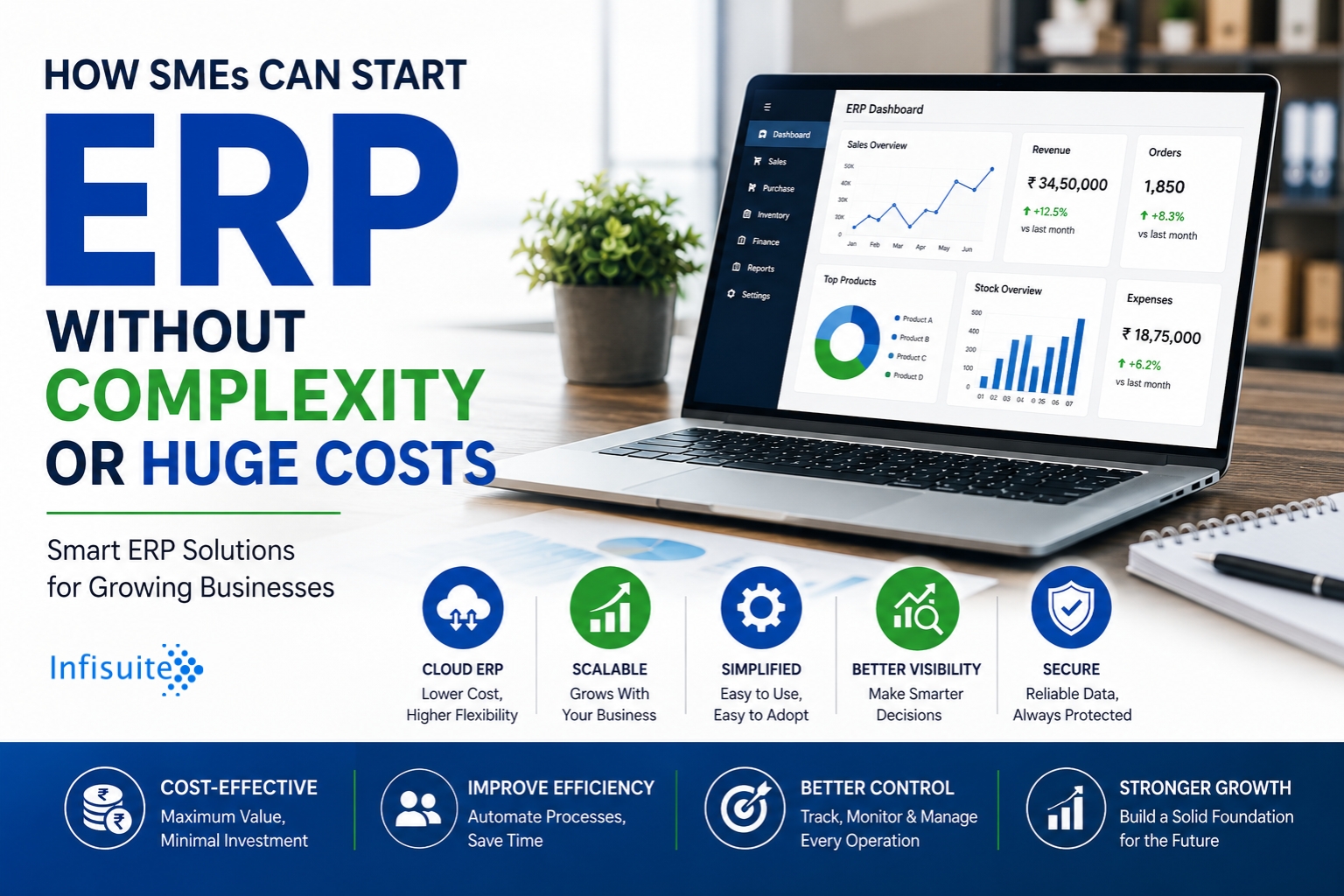
For SMEs using a phased approach — starting with 2–3 core modules — implementation costs are much lower. Read our guide on how SMEs can start ERP without complexity to see how phased implementation reduces both cost and risk.
Typical implementation cost range for SMEs:
| Implementation Scope | Approximate Cost |
|---|---|
| Basic Cloud ERP (2–3 modules, small team) | ₹1,00,000 – ₹3,00,000 |
| Mid-range Cloud ERP (4–6 modules, 20–50 users) | ₹3,00,000 – ₹10,00,000 |
| Full Cloud ERP (all modules, complex workflows) | ₹10,00,000 – ₹30,00,000+ |
| On-premise ERP (enterprise) | ₹30,00,000 – ₹2,00,00,000+ |
3. Data Migration Cost
Data migration means extracting data from your existing systems — spreadsheets, legacy software, disconnected databases — cleaning it, transforming it, and loading it into the new ERP.
This is one of the most underestimated costs in ERP projects. Businesses consistently underestimate how much data they have, how poor its quality is, and how long it takes to clean and validate properly.
Data migration cost depends on the volume of historical data, the number of source systems, the quality of existing data (duplicates, inconsistencies, missing fields), and the complexity of mapping old formats to new.
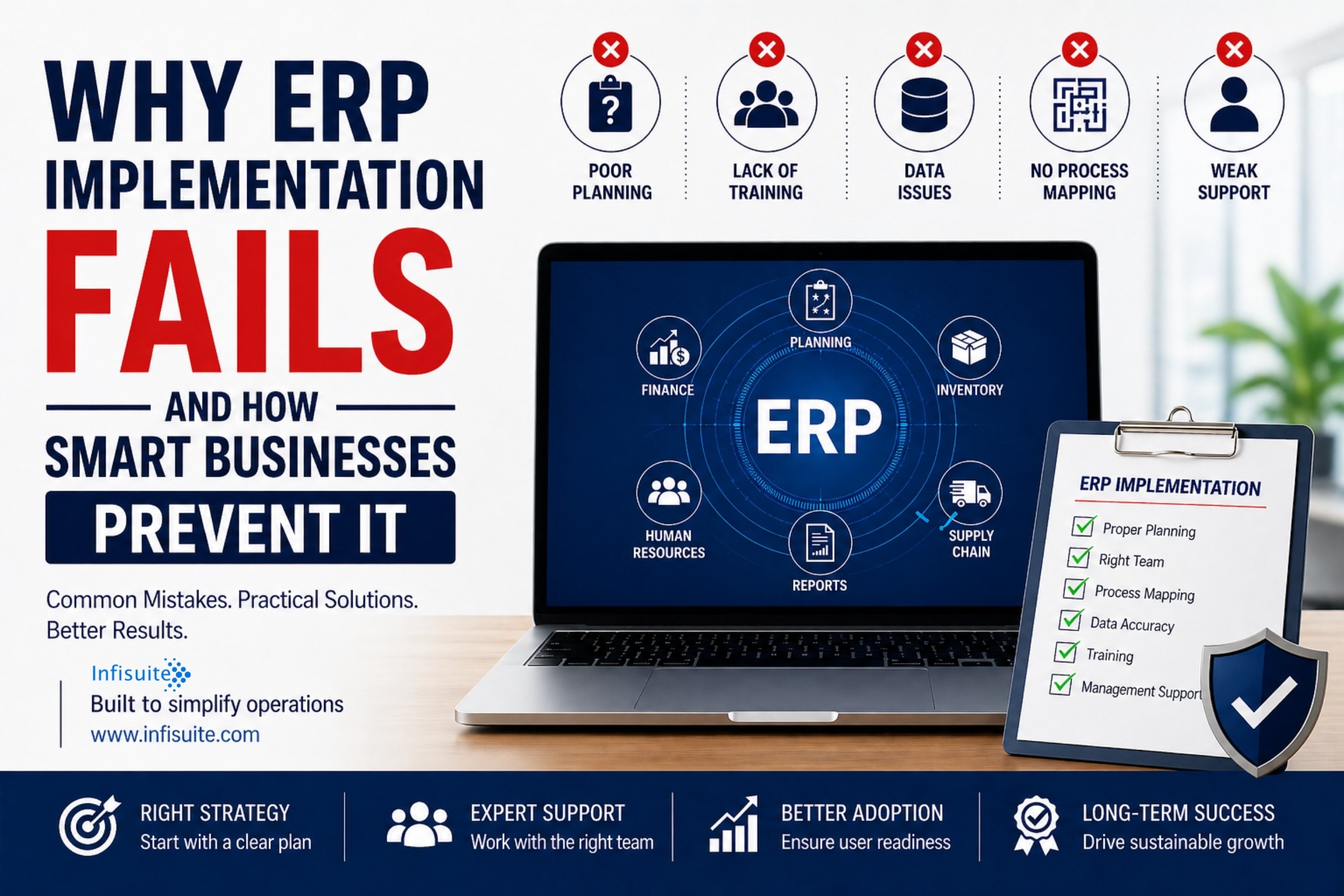
One principle matters most: never migrate data you haven’t cleaned and validated. As we explain in our article on why ERP implementation fails, dirty data migrated into a new system doesn’t become clean — it becomes dirty data with a new interface.
4. Training Cost
Training covers the time and resources to prepare your team to use the system well. This includes sessions, materials, and the short productivity dip after go-live as people adapt.
Training is one of the most commonly underfunded parts of ERP projects — and a leading cause of poor adoption. Businesses that invest properly in training achieve faster time-to-value and higher adoption.
Best practice: budget for role-specific training for every department, completed before go-live. Training that shows each person how the system changes their daily tasks beats generic walkthroughs.
5. Ongoing Support and Maintenance Cost
After go-live, ERP needs ongoing support — updates, user help, configuration changes, and periodic optimisation.
Cloud ERP: updates, security patches, and infrastructure are managed by the vendor and included in the subscription. Ongoing costs are mainly user support, training for new staff, and optimisation.
On-Premise ERP: annual maintenance of 15–20% of the licence cost is standard, plus IT staff for servers, patching, and hardware refreshes.
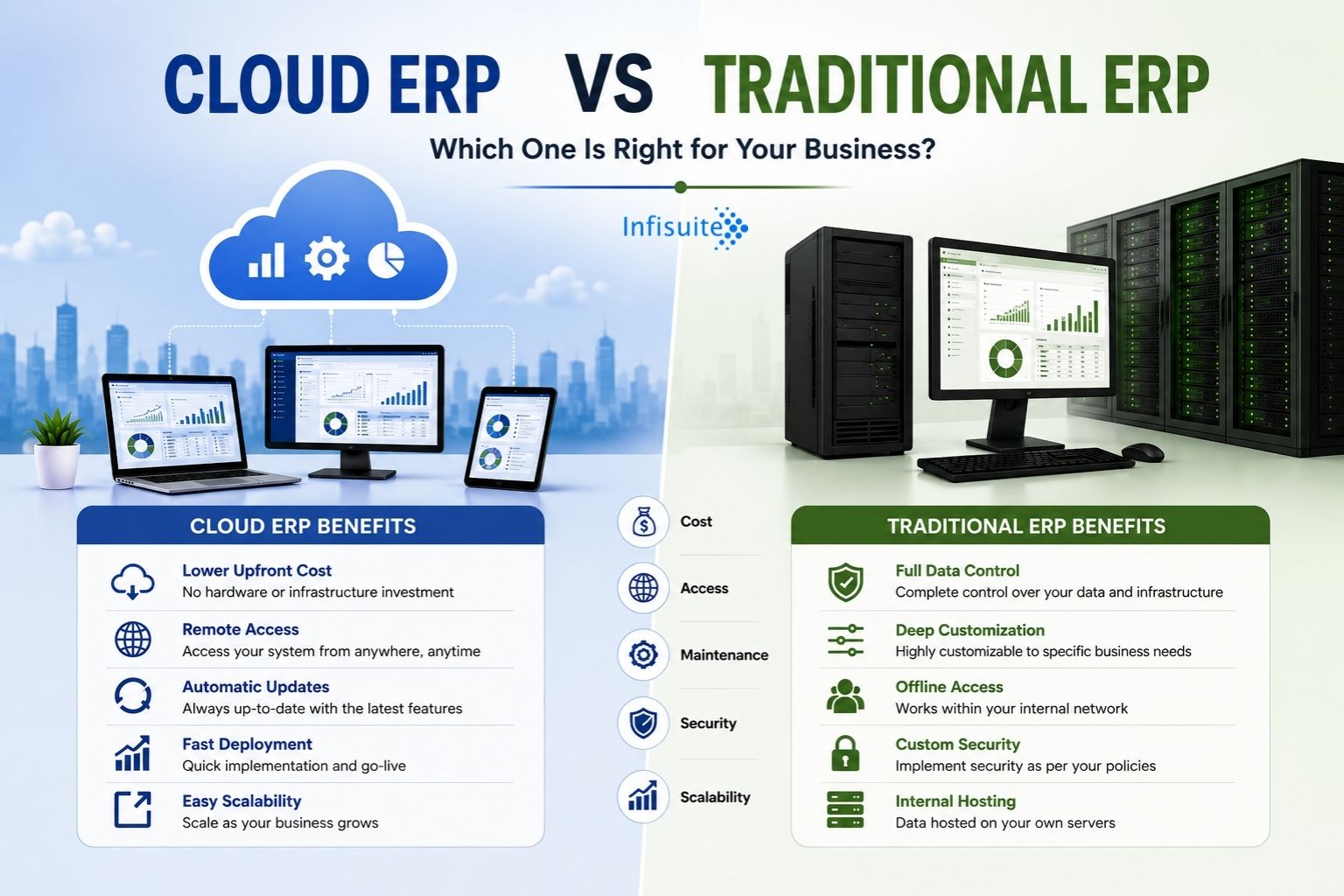
For most SMEs, Cloud ERP’s vendor-managed model means substantially lower ongoing costs. For a full comparison, read our guide on Cloud ERP vs Traditional ERP.
The Hidden Costs of ERP — What Most Vendors Don’t Tell You
Beyond the five primary components, several hidden costs catch businesses off guard:
- Customisation creep. Every extra customisation adds cost and time. Define scope upfront and resist additions unless genuinely critical.
- Integration costs. Connecting ERP to eCommerce, payment gateways, or logistics tools is rarely included in standard quotes.
- Productivity dip post go-live. The first weeks after go-live see a temporary dip as teams adapt. It’s a real cost that rarely appears in any quote.
- Change management. Managing new processes and ways of working has a real cost in management time.
- Additional user licences. As you grow, more users need access. Understand how pricing scales before signing.
Cloud ERP vs On-Premise ERP: Total Cost of Ownership
| Cost Component | Cloud ERP | On-Premise ERP |
|---|---|---|
| Upfront software cost | Low — subscription based | High — perpetual licence |
| Implementation cost | Moderate | High — longer timeline |
| Hardware cost | None | High — servers, networking |
| IT staff cost | Low — vendor managed | High — dedicated IT team |
| Ongoing maintenance | Included in subscription | 15–20% of licence annually |
| Software updates | Automatic — included | Manual — additional cost |
| Scaling cost | Low — add users/modules | High — hardware upgrades |
| 3-year TCO for SMEs | Generally lower | Generally higher |
How to Build a Realistic ERP Budget
A realistic budget accounts for all five components — not just the software fee. Here’s a practical framework:
- Define your scope first. Which modules? How many users? What integrations? Undefined scope is the primary cause of overruns.
- Get itemised quotes. Ask for a line-by-line breakdown. Avoid vendors who bundle everything into one opaque number.
- Add a contingency. Budget 15–20% above your base estimate for unforeseen requirements.
- Calculate the cost of NOT having ERP. What does manual reconciliation, poor inventory visibility, and slow reporting cost you today? In most SMEs, the cost of not having ERP exceeds the cost of having it within 12–24 months.
- Plan for phased investment. Start with the 2–3 modules that address your most critical pain, prove ROI, then expand.
What Does Infisuite ERP Cost?
At Infisuite, we offer modular Cloud ERP designed for growing SMEs — so you pay for what you need, when you need it, without enterprise complexity or cost. Our platform covers all core functions, including Inventory, Procurement, Sales, Accounts, CRM, Asset Management, and Contract Management.
For pricing specific to your business size, module requirements, and implementation needs, contact our team for a detailed quote. We provide fully transparent, itemised pricing with no hidden fees.
Frequently Asked Questions
What is the minimum budget needed for ERP as an SME?
For a small business implementing Cloud ERP with 2–3 core modules and fewer than 15 users, a realistic first-year minimum — including software, implementation, and training — is around ₹2,00,000 – ₹5,00,000. This varies by vendor, scope, and complexity.
Is ERP worth the cost for a small business?
For most growing SMEs, yes — when implemented correctly. Evaluate ERP cost against the cost of not having it: manual reconciliation, reporting delays, inventory errors, and slow decisions. Well-implemented ERP usually pays for itself within 12–24 months.
What is typically not included in ERP pricing quotes?
Watch for data migration costs, customisation beyond standard configuration, third-party integration costs, training beyond basic walkthroughs, and post go-live support beyond the warranty period. Always ask for a fully itemised quote.
Can ERP costs be spread over time?
Yes — this is a key advantage of Cloud ERP. Subscription pricing spreads cost over monthly or annual payments instead of a large upfront outlay, making ERP far more accessible for SMEs managing cash flow.
How does a phased ERP implementation affect cost?
A phased approach — starting with 2–3 core modules and expanding — reduces both upfront cost and risk. It also lets you prove ROI from Phase 1 before committing to the full investment.
Conclusion
ERP cost is not a single number — it’s a combination of software, implementation, data migration, training, and ongoing support, each varying by your size, complexity, and deployment model.
For most SMEs, Cloud ERP offers the most accessible path to integrated operations — lower upfront investment, predictable ongoing costs, and faster time to value than on-premise.
The most important thing: evaluate ERP cost in context. The question isn’t “how much does ERP cost?” — it’s “how much does it cost compared to not having it?” For most growing businesses, that calculation comes out firmly in favour of ERP.
Written by Anjana A
ERP & Business Software Specialist, Infisuite
Anjana A writes about ERP, business software, and automation for growing SMEs. Drawing on Infisuite’s experience helping businesses budget for and adopt ERP, she focuses on practical guidance for making cost-effective, high-return software decisions.
Ready to understand what ERP would cost for your specific business? Talk to the Infisuite team for a transparent, itemised quote.