

Quick Answer
SMEs can start ERP without complexity by taking a phased approach: define your specific operational problems, map your core processes, choose Cloud ERP over on-premise, go live with only 2–3 core modules first, clean your data before migration, train your team before go-live, and then optimise and expand. Cloud ERP has removed the old barriers — no servers, no big upfront cost, no IT team needed — with implementations completing in weeks. The businesses that struggle are the ones that try to do everything at once.
Key Takeaways
- ERP is no longer just for enterprises. Cloud ERP made it accessible at SME budgets and timelines.
- The old fears are outdated — no servers, no big capex, no IT team required.
- The #1 SME mistake is doing everything at once. Phased implementation wins.
- Start with 2–3 core modules that solve your most painful problems, then expand.
- Clean data + trained teams before go-live are what separate smooth rollouts from chaos.
For years, ERP was considered the exclusive domain of large enterprises — complex to implement, expensive to run, and far beyond the reach of small and medium-sized businesses. That perception has fundamentally changed.
Modern Cloud ERP has made enterprise-grade operational systems accessible to SMEs at a fraction of the cost and complexity of traditional on-premise implementations. According to Gartner, Cloud ERP adoption among mid-market and small businesses has grown significantly over the past five years — and the trend is accelerating.
But accessible doesn’t mean automatic. SMEs that approach ERP the wrong way — trying to implement everything at once, choosing the wrong platform, or skipping planning — still struggle. The key is knowing how to start smart.
This guide explains exactly how SMEs can implement ERP without unnecessary complexity, without overspending, and without disrupting their operations in the process.
Why SMEs Hesitate to Adopt ERP — And Why Those Fears Are Outdated
Most SME business owners who haven’t adopted ERP cite the same concerns: it’s too expensive, too complicated, takes too long to implement, and requires a large IT team to manage. A decade ago, those concerns were largely valid. Today, they are not.
Here’s what has changed:
- Cost: Cloud ERP operates on a subscription model — no large upfront capital expenditure, no server hardware, no infrastructure maintenance costs. SMEs pay a predictable monthly or annual fee that scales with usage.
- Complexity: Modern Cloud ERP platforms are designed with non-technical users in mind. Intuitive interfaces, pre-built workflows, and guided setup have replaced the complex configuration processes of legacy systems.
- Implementation time: Cloud ERP implementations for SMEs can go live in weeks, not months or years. A phased approach means businesses can start with core modules and expand gradually.
- IT requirements: With Cloud ERP, the vendor manages servers, updates, backups, and security. SMEs don’t need a dedicated IT team to run the system.
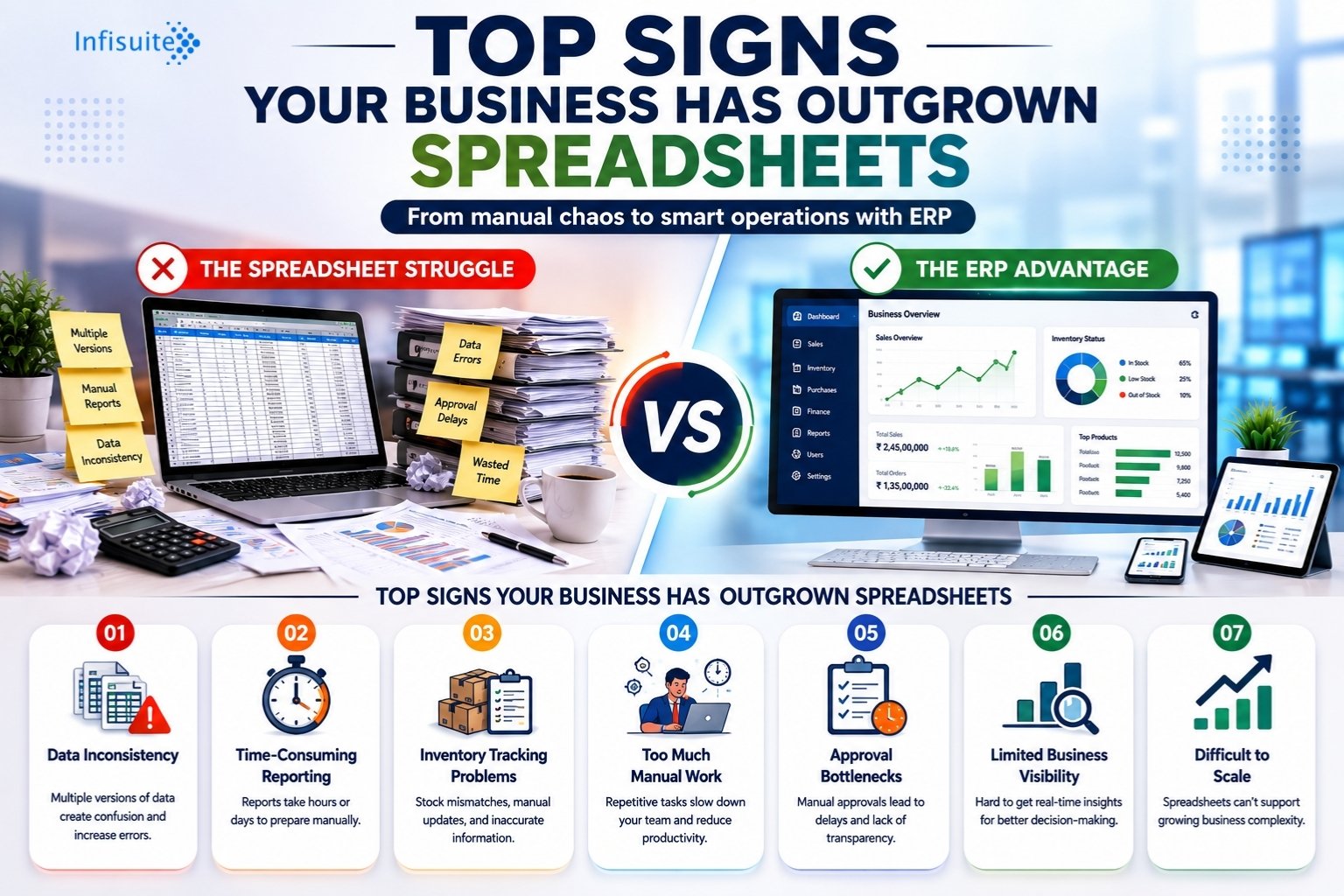
If your business is still running on spreadsheets and manual processes, read our guide on the top signs your business has outgrown spreadsheets to assess whether you’re ready for the next step.
The Biggest Mistake SMEs Make With ERP: Trying to Do Everything at Once
The most common reason SME ERP implementations fail is not budget or technology — it’s scope. Businesses try to implement every module across every department simultaneously, overwhelm their teams, and collapse under the weight of too much change at once.
The solution is a phased implementation approach: start with the modules that solve your most painful operational problems, stabilize those, and then expand.
For most SMEs, the right starting point is one of these three core areas:
- Inventory and operations — if stock management, order tracking, and supplier coordination are your biggest pain points
- Finance and accounts — if reporting delays, manual invoicing, and financial visibility are holding you back
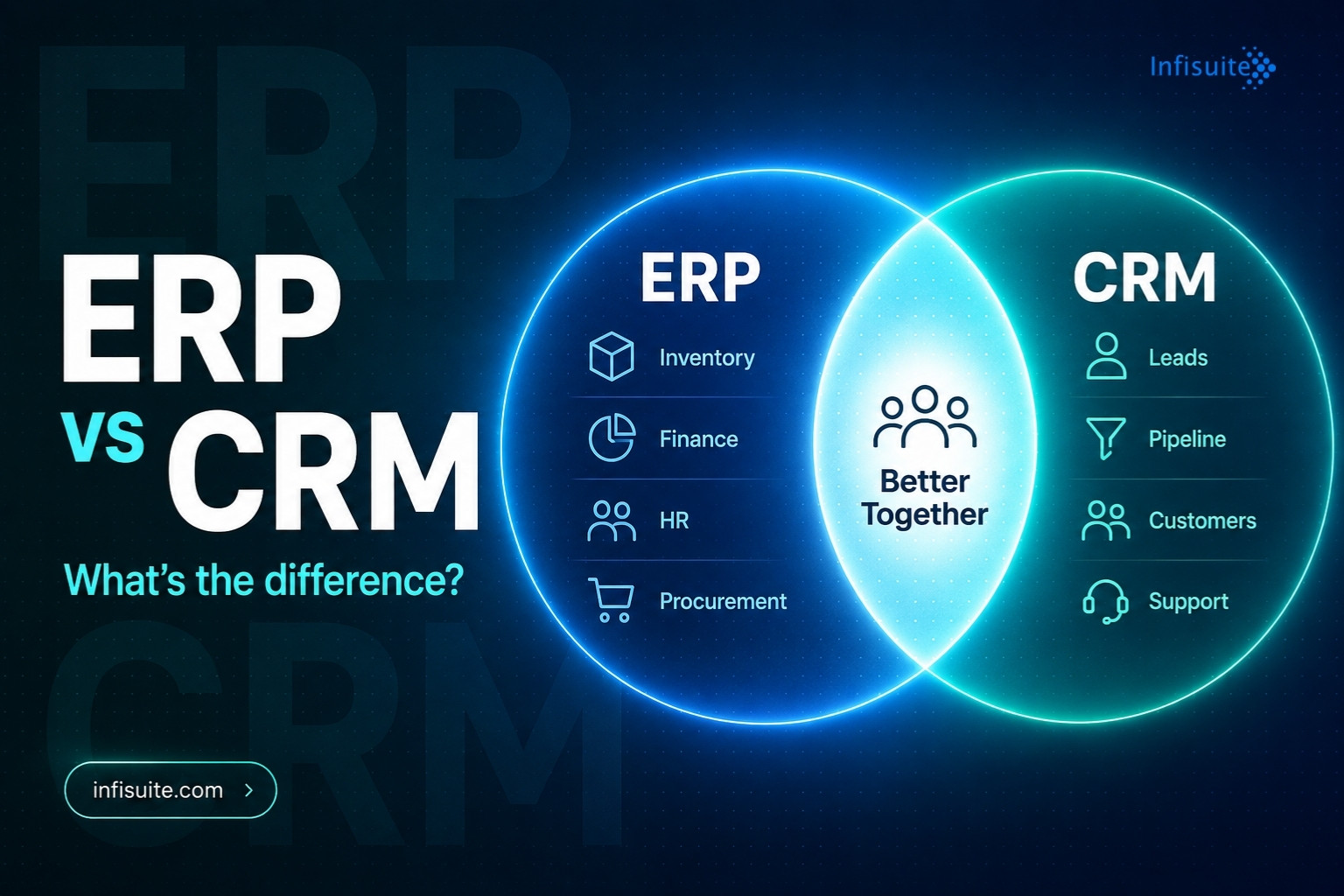
- Sales and CRM — if customer management, pipeline visibility, and order processing need immediate improvement
Start where the pain is greatest. Expand from there once your team is comfortable and the first phase is delivering value.
A Practical Step-by-Step Guide for SMEs Starting ERP
Step 1 — Define Your Operational Problems Clearly
Before evaluating any ERP platform, write down the specific operational problems you are trying to solve. Not vague goals like “improve efficiency” — specific problems like “our inventory count is wrong 30% of the time” or “monthly financial reports take 5 days to produce.” These become your success criteria for the implementation.
Step 2 — Map Your Core Business Processes
Document how your key workflows actually operate today — procurement, inventory, sales, invoicing, HR. Don’t rely on how they’re supposed to work; document how they actually work. This is the foundation for ERP configuration. As SAP explains, ERP systems are most effective when configured around optimized business processes, not replicated around broken ones.
Step 3 — Choose Cloud ERP Over On-Premise
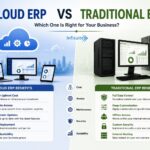
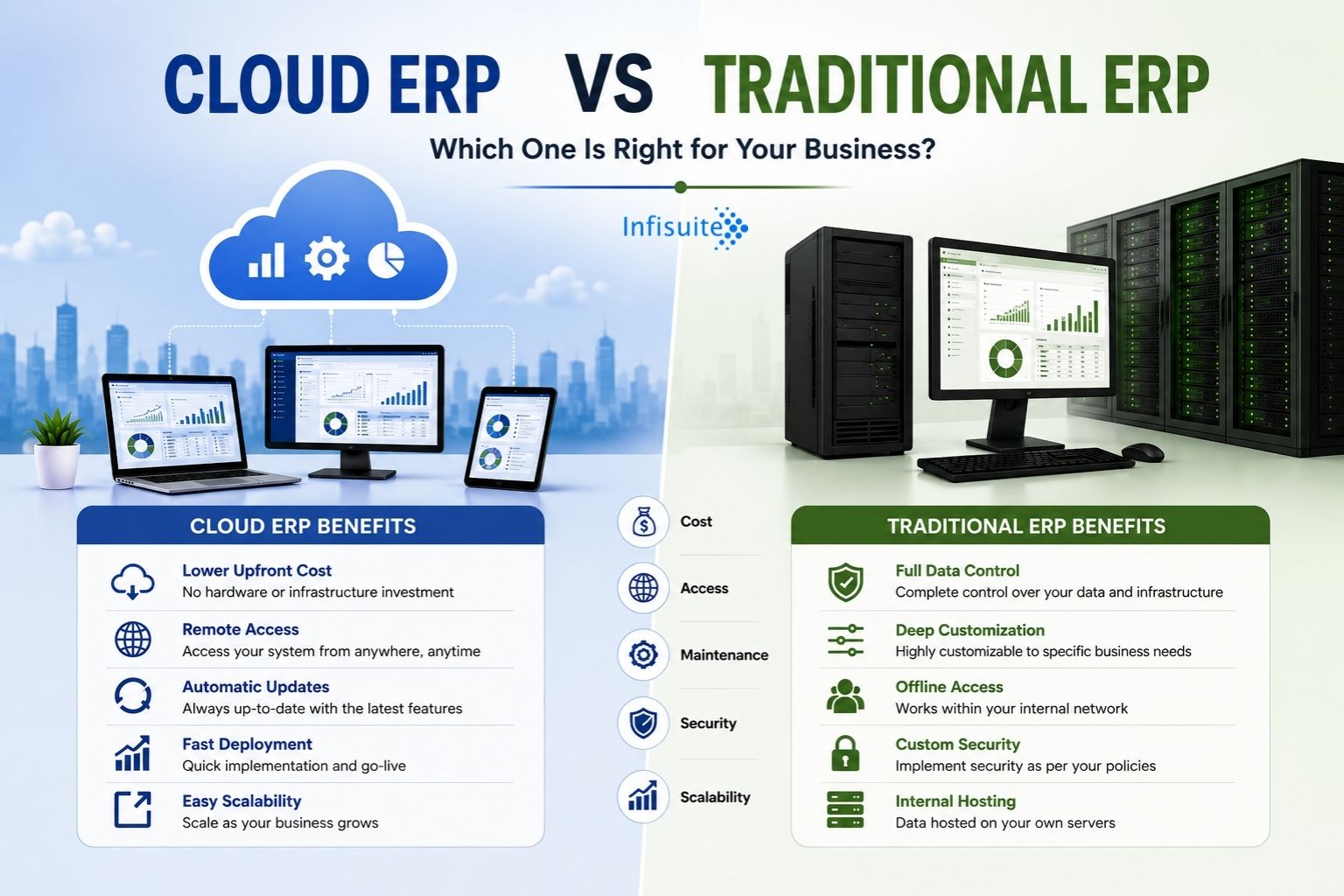
For the vast majority of SMEs, Cloud ERP is the right choice. It is faster to deploy, lower in upfront cost, easier to maintain, and scales as your business grows. For a detailed comparison of the two approaches, read our guide on Cloud ERP vs Traditional ERP before making your decision.
Step 4 — Start With Core Modules Only
Resist the temptation to implement everything at once. Identify the 2–3 modules that directly address your most critical operational problems and go live with those first. A successful, stable Phase 1 is worth far more than an ambitious, chaotic full implementation.
Step 5 — Clean Your Data Before Migration
This step is skipped more often than any other — and causes more post-go-live problems than anything else. Before migrating data into your new ERP system, audit your existing records. Remove duplicates, correct inaccuracies, standardize formats, and validate opening balances. Bad data in a new system is still bad data.
Step 6 — Train Your Team Before Go-Live
Schedule hands-on training sessions for every team member who will use the system — before the go-live date, not after. Role-specific training is more effective than generic system walkthroughs. People need to understand how ERP changes their specific daily tasks, not just how the system works in theory.
Step 7 — Go Live, Then Optimize
Accept that go-live is not the finish line — it’s the starting line. The first few months after go-live are when the real optimization happens. Gather feedback from users, identify friction points, refine configurations, and build a roadmap for Phase 2 expansion.
What SMEs Should Look for in an ERP Platform
Not all ERP platforms are built for SMEs. Many enterprise platforms are powerful but over-engineered for smaller businesses — requiring extensive customization, long implementation timelines, and specialist IT support. When evaluating ERP platforms, SMEs should prioritize:
- Ease of use: Can non-technical team members navigate the system without extensive training?
- Modular structure: Can you start with core modules and add more as needed, without paying for everything upfront?
- Cloud-native deployment: Is the system built for cloud from the ground up, or is it a legacy on-premise system with a cloud wrapper?
- Implementation support: Does the vendor provide hands-on implementation support, or are you left to configure the system yourself?
- Transparent pricing: Is the pricing model clear, predictable, and scalable — or does it involve complex licensing tiers and hidden fees?
- Local or regional support: For SMEs in growing markets, having implementation and support teams who understand the local business environment makes a significant difference.
How Much Does ERP Cost for SMEs?
ERP pricing for SMEs varies widely depending on the platform, number of users, and modules selected. As a general guide:
| Cost Component | Cloud ERP (SME) | Traditional On-Premise ERP |
|---|---|---|
| Upfront investment | Low — subscription based | High — licenses + hardware |
| Monthly running cost | Predictable subscription fee | IT staff + maintenance |
| Implementation cost | Moderate — weeks to months | High — months to years |
| Scaling cost | Low — add users/modules easily | High — hardware upgrades needed |
| Total cost over 3 years | Generally lower for SMEs | Generally higher for SMEs |
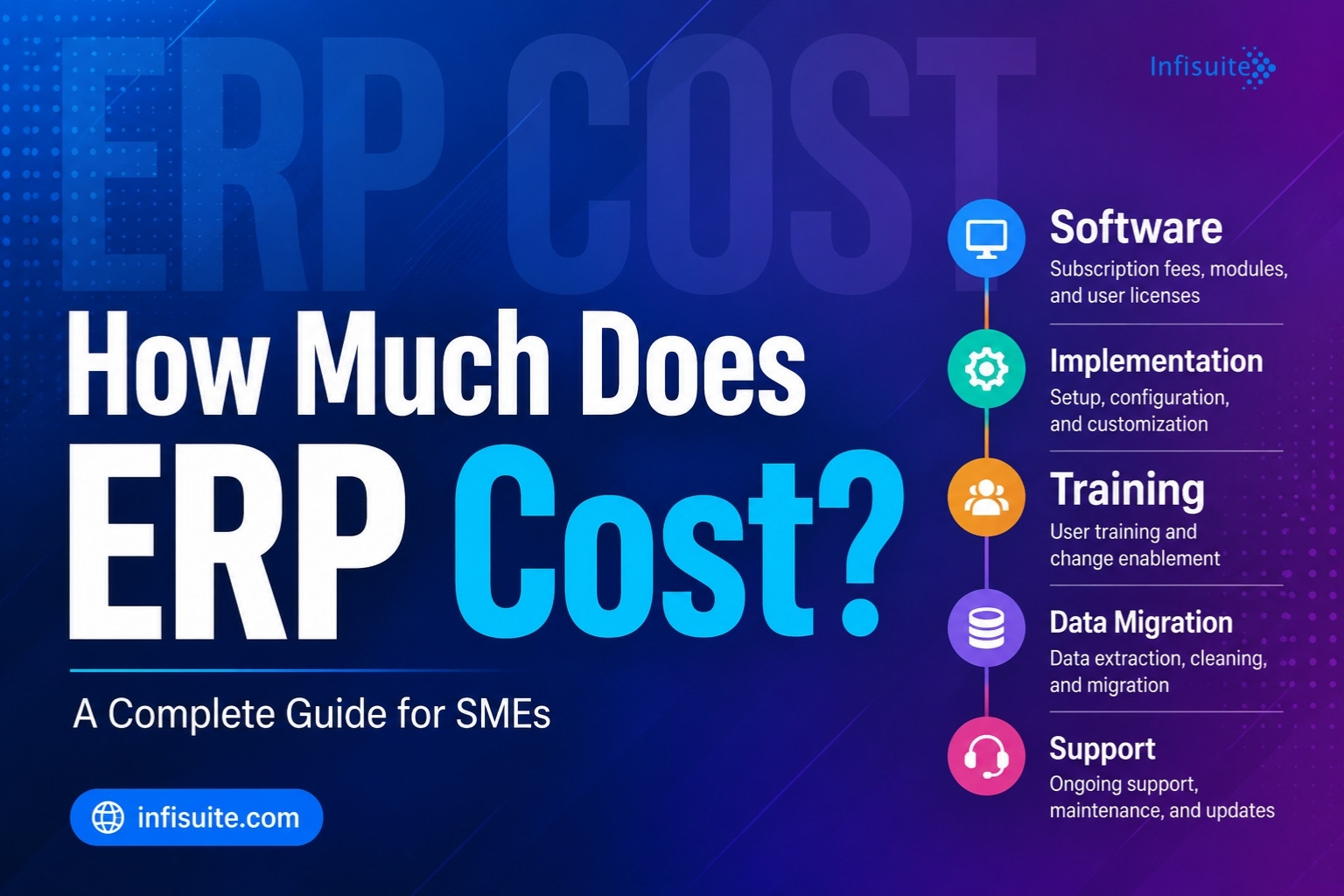
The key insight for SMEs: Cloud ERP converts a large, unpredictable capital expenditure into a manageable, predictable operating expense — which is far more suitable for businesses managing cash flow carefully. For a full breakdown of every cost component, read our complete guide on how much ERP costs.
Common SME ERP Mistakes to Avoid
- Choosing on price alone. The cheapest ERP platform is rarely the right one. Evaluate total cost of ownership — including implementation, training, and support — not just the subscription fee.
- Skipping process review. Implementing ERP on top of broken processes makes them faster but keeps them broken. Review and improve workflows before configuration.
- Going live without a data audit. Migrating dirty data creates post-go-live problems that are expensive and time-consuming to fix.
- Underestimating change management. Your team needs time to adapt. Rushing adoption leads to resistance, workarounds, and shadow systems.
- No post-go-live support plan. The months after go-live are critical. Ensure your implementation partner provides ongoing support, not just a handover document.
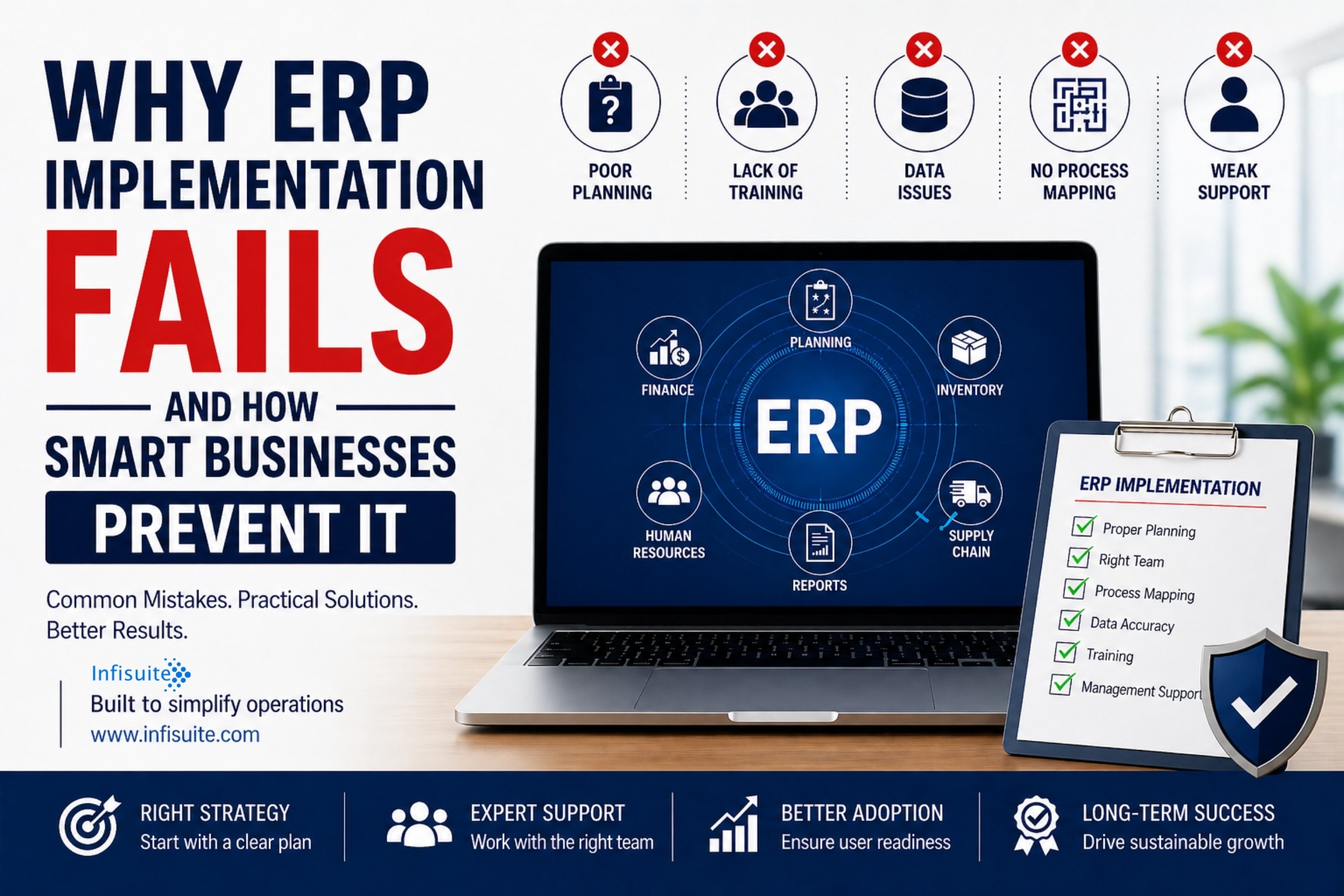
For a deeper look at what causes ERP implementations to fail — and how to prevent the most common mistakes — read our comprehensive guide on why ERP implementation fails and how smart businesses prevent it.
Frequently Asked Questions
Can a small business with 10–50 employees benefit from ERP?
Yes. Modern Cloud ERP is designed to scale from small teams upward. Even businesses with 10–20 employees can benefit significantly from centralized inventory, automated invoicing, and real-time reporting — especially if they are growing quickly.
How long does SME ERP implementation take?
A well-planned Cloud ERP implementation for an SME typically takes 4–12 weeks for core modules. A phased approach — starting with 2–3 modules — is faster and lower risk than a full implementation.
Do we need an IT team to run Cloud ERP?
No. With Cloud ERP, the vendor manages infrastructure, updates, backups, and security. Your team needs to learn how to use the system — but you do not need dedicated IT staff to maintain it.
What is the biggest risk for SMEs implementing ERP?
Scope creep and over-ambition. SMEs that try to implement everything at once, without adequate planning or phasing, are the most likely to struggle. Start small, stabilize, and expand.
How do we know which ERP modules to start with?
Start with the modules that address your most painful, most costly operational problems. For most SMEs this is inventory management, financial reporting, or sales order processing — the areas where manual errors and delays are most damaging.
Conclusion
ERP is no longer out of reach for SMEs. Cloud ERP has transformed what is possible — making enterprise-grade operational systems accessible at SME budgets, with SME-friendly implementation timelines and without the need for large IT teams.
The SMEs that get ERP right start with a clear problem statement, choose the right platform, implement in phases, clean their data, train their teams, and treat go-live as the beginning of an improvement journey rather than the end of a project.
The ones that struggle try to do too much too fast, skip the planning steps, and underestimate how much change management matters.
ERP done right is one of the most powerful investments a growing SME can make. The key is doing it right.
At Infisuite, we specialize in helping SMEs implement ERP the smart way — starting with what matters most, building for scalability, and supporting your team through every phase of the journey. Learn more about our SME ERP solutions at infisuite.com.
Written by Anjana A
ERP & Business Software Specialist, Infisuite
Anjana A writes about ERP, business software, and automation for growing SMEs. Drawing on Infisuite’s experience guiding SMEs through phased ERP adoption, she focuses on practical, low-risk paths to modern, connected operations.